HREN


sketch, an MIT-licensed Claude Code plugin that answers with diagrams, roadmaps, wireframes and chart cards in the terminal instead of paragraphssketch, Claude Code의 답을 문단 대신 터미널 안 구조도와 로드맵, 화면 틀, 차트 카드로 그려 주는 MIT 플러그인
sketch is an MIT-licensed plugin for a Claude Code terminal session that draws an answer with a shape as a diagram, flow, roadmap, wireframe or chart card instead of paragraphs; its author built and tried it on Claude Code 2.1.325 in a terminal and says the desktop and mobile surfaces are untested. The tool definitions and a prompt section ride on every request, roughly 5 thousand tokens by the author's estimate (not a measurement), and hovering or clicking nodes needs a terminal that reports the mouse to Claude Code.sketch는 Claude Code 터미널 세션에 까는 MIT 라이선스 플러그인으로, 답에 모양이 있으면 문단 대신 구조도, 흐름도, 로드맵, 화면 틀, 차트를 카드로 그리며, 저자는 Claude Code 2.1.325 터미널에서 만들어 시험했고 데스크톱과 모바일 화면은 시험하지 않았다고 적습니다. 도구 정의와 프롬프트 한 절이 모든 요청에 실려 약 5천 토큰이 붙는다는 것은 저자의 어림(측정 아님)이고, 노드에 마우스를 올리고 누르는 기능은 마우스를 Claude Code에 전하는 터미널에서만 됩니다.
- Checked확인일
sketch is an MIT-licensed plugin that gives Claude Code 17 drawing tools and one standing instruction: when an answer has a shape, draw the shape. It is installed into a Claude Code terminal session; its author built and tried it on Claude Code 2.1.325 in a terminal and says that, although the cards use only Box and Text, which every surface has, the desktop and mobile surfaces are untested. Operating system requirements and any separate charge are not stated in the source.sketch는 Claude Code에 그리는 도구 17개와 상시 지시 하나(답에 모양이 있으면 그 모양을 그린다)를 더하는 MIT 라이선스 플러그인입니다. Claude Code 터미널 세션에 설치해 쓰며, 저자는 Claude Code 2.1.325의 터미널에서 만들어 시험했고, 카드는 모든 화면에 있는 Box와 Text만 쓰지만 데스크톱과 모바일 화면은 시험하지 않았다고 적습니다. 운영체제 조건과 별도 요금은 원문에 나와 있지 않습니다.
The whole plugin is one hooks module, hooks/register.tsx. At session start it registers the 17 tools, a ui.render hook replaces each tool call's row in the transcript with a card drawn from that call's own input, and a prompt.compose hook adds a short section to the system prompt telling Claude when to reach for which card. The tool definitions and that section ride on every request in a session where the plugin is loaded, roughly 5 thousand tokens by the author's estimate, which the README calls an estimate, not a measurement. Hovering and clicking nodes needs a terminal that reports the mouse to Claude Code, the fullscreen renderer. What the plugin sends anywhere else, and any encryption, is not stated in the source.플러그인 전체는 훅 모듈 하나(hooks/register.tsx)입니다. 세션이 시작될 때 도구 17개를 등록하고, ui.render 훅이 대화 기록의 도구 호출 줄을 그 호출의 입력으로 그린 카드로 바꾸며, prompt.compose 훅이 언제 어떤 카드를 쓸지 알려 주는 짧은 절을 시스템 프롬프트에 더합니다. 도구 정의와 그 절은 플러그인이 켜진 세션의 모든 요청에 실려 약 5천 토큰이 붙는데, 이는 저자가 밝힌 어림(측정 아님)입니다. 노드에 마우스를 올리고 누르는 기능은 마우스를 Claude Code에 전하는 터미널(전체 화면 렌더러)이 있어야 합니다. 플러그인이 바깥으로 무엇을 보내는지와 암호화는 원문에 나와 있지 않습니다.
Asked as usual how a service is put together, how three options compare or how to plan the next quarter, Claude picks a card and draws the structure, flow, roadmap, user journey, wireframe or chart in the transcript, in the terminal theme's colors. The 17 tools cover layered stacks, nodes and wires, data models, swimlanes, pipelines, sequence diagrams, timelines, quadrants, wireframes, charts and compare cards, among others.평소처럼 이 서비스가 어떻게 짜였는지, 세 가지를 견주면 어떤지, 다음 분기를 어떻게 계획할지 물으면 Claude가 알맞은 카드를 골라 구조, 흐름, 로드맵, 사용자 여정, 화면 틀, 차트를 터미널 테마 색의 카드로 대화 기록에 그립니다. 도구는 층 구조, 노드와 선, 데이터 모델, 역할별 흐름도, 파이프라인, 시퀀스 도표, 타임라인, 사분면, 와이어프레임, 차트, 비교 등 17가지입니다.
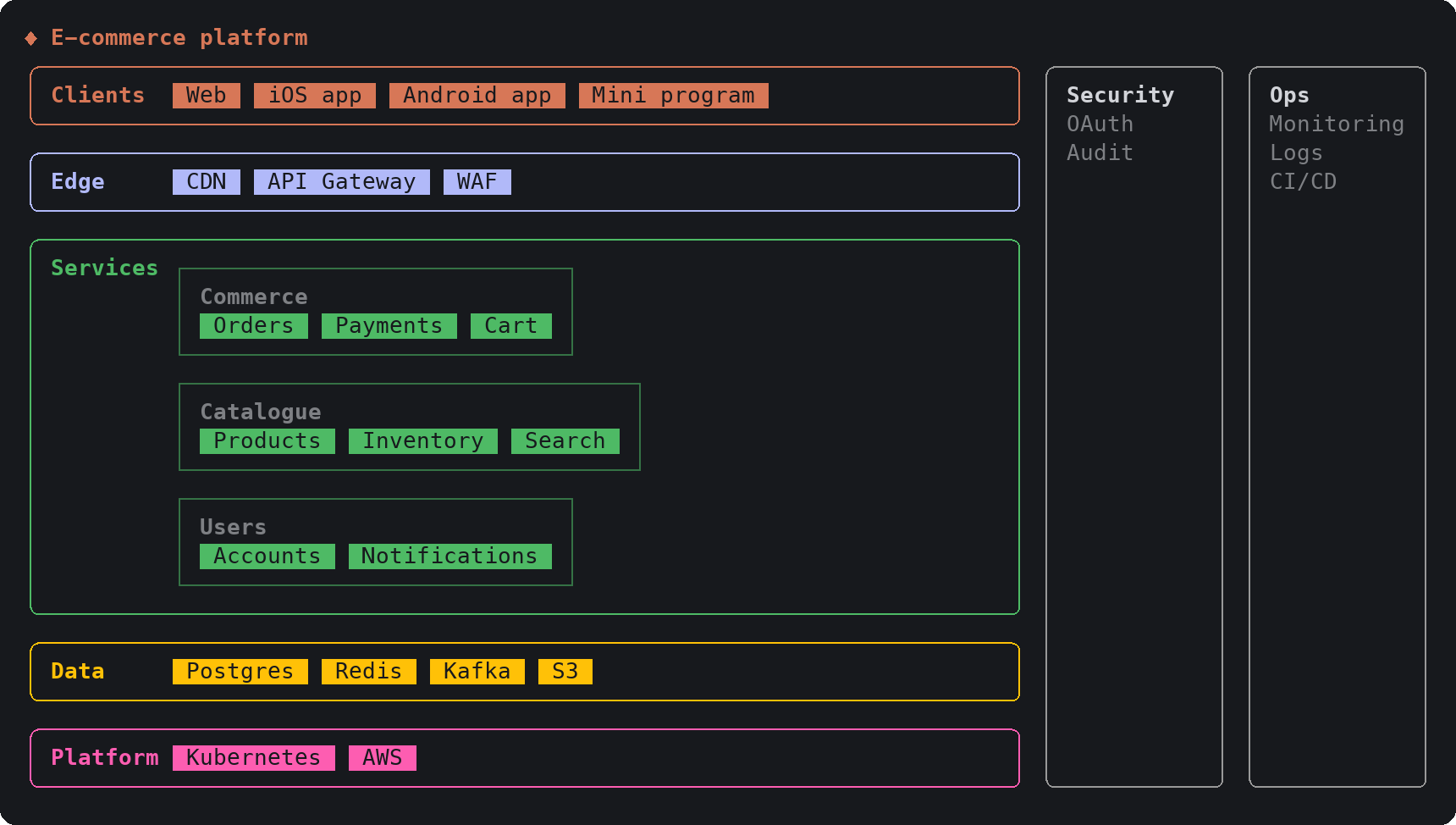
On a diagram card, hovering a node lights every wire leaving it end to end, and clicking a node's name makes its wires thick and runs a pulse along them for 30 seconds after the last click. A compare card draws the options, then opens a dialog under the cards so the choice is made with the arrow keys, and Claude carries on with that choice. Charts, metrics, timelines and journeys draw themselves in over about a second while the call runs, and ctrl+o shows the raw tool call behind a card.도표 카드는 노드에 마우스를 올리면 그 노드에서 나가는 선이 끝까지 밝아지고, 노드 이름을 누르면 드나드는 선이 굵어지며 마지막으로 누른 뒤 30초 동안 신호가 흐르다 멈춥니다. 비교 카드는 선택지를 나란히 그린 뒤 카드 아래 대화 상자를 열어 화살표 키로 고르게 하고, Claude는 고른 쪽으로 이어 갑니다. 차트, 지표, 타임라인, 여정은 호출이 도는 동안 1초쯤에 걸쳐 그려지고, ctrl+o로 카드 뒤의 원래 도구 호출을 봅니다.
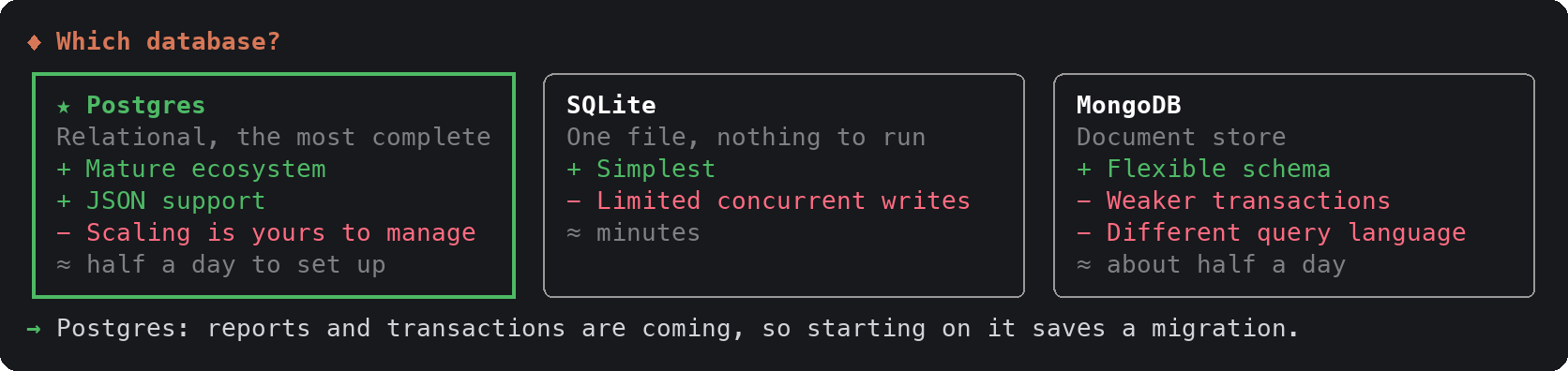
Installation happens at the prompt of a Claude Code terminal session with the /plugin install sketch command, naming this repository as the marketplace, answering y to add the marketplace and then picking a scope; user scope loads the plugin in every session. From a shell, the claude plugin install command does the same. Labels can be in any language, and Chinese, Japanese and Korean text is measured correctly.설치는 Claude Code 터미널 세션의 프롬프트에서 /plugin install sketch 명령에 이 저장소를 marketplace로 지정해 하고, marketplace 추가에 y로 답한 뒤 범위를 고릅니다. user 범위는 모든 세션에서 플러그인을 불러옵니다. 셸에서는 claude plugin install 명령으로도 설치합니다. 카드 글자는 어느 언어든 되고, 중국어, 일본어, 한국어 글자 폭도 맞게 잽니다.
Cards are sized to the terminal width when they are drawn, and below about 60 columns the wider cards get cramped. Wide characters count as two cells, so a terminal that draws ambiguous-width symbols two cells wide will misalign some cards. The MIT license comes with no warranty.카드는 그릴 때의 터미널 폭에 맞춰지고, 폭이 약 60열 아래면 넓은 카드가 비좁아집니다. 넓은 글자는 두 셀로 세므로 폭이 모호한 기호를 두 셀로 그리는 터미널에서는 일부 카드가 어긋납니다. MIT 라이선스라 보증은 없습니다.
Sources & references원문과 참고 자료
Keep reading더 읽기
All articles전체 글rust-anythingrust-anything
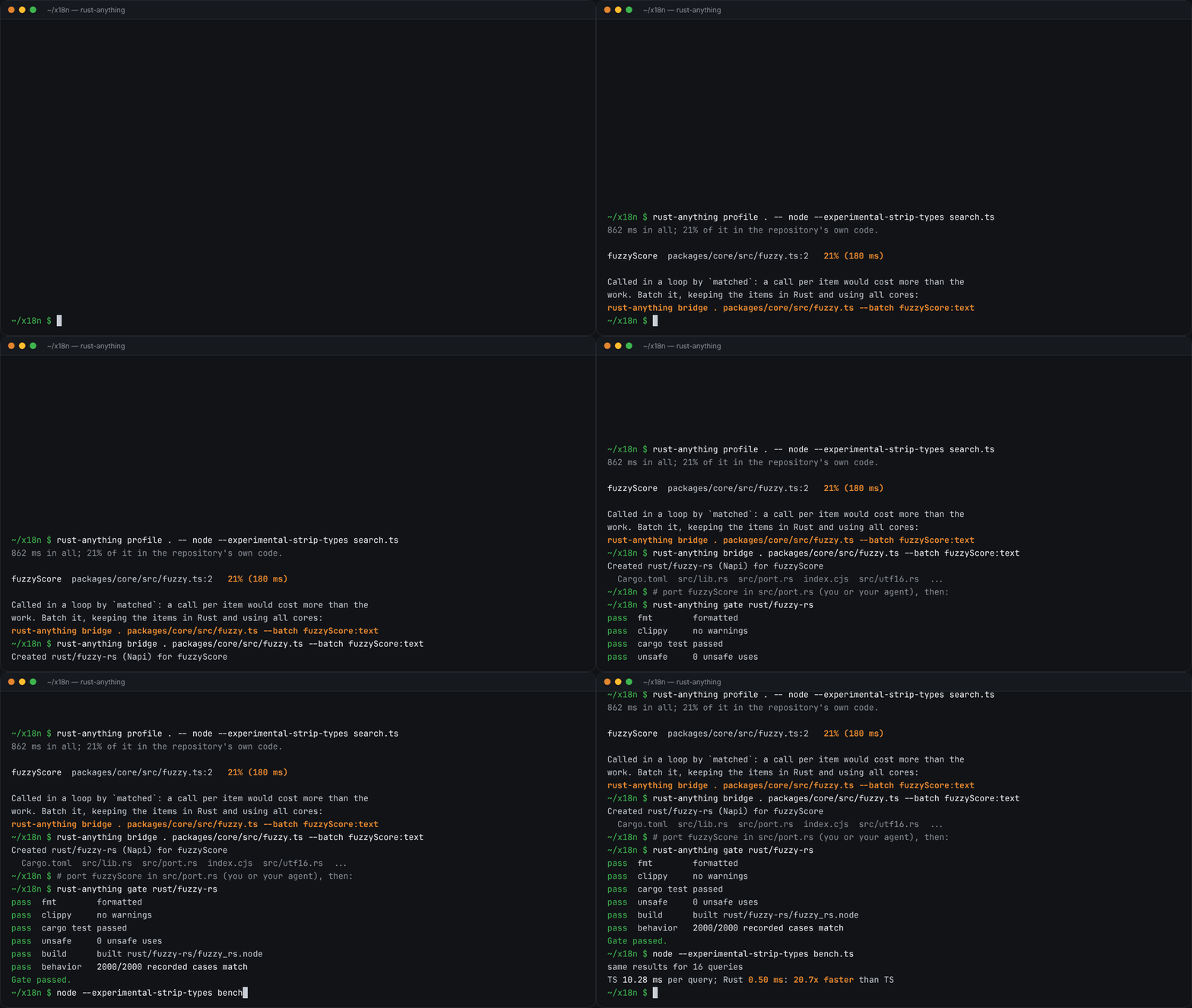
rust-anything, an MIT-licensed command-line tool that moves a Node.js, Python, C, Go, Ruby or Java app to Rust one piece at a time and checks each piece against recordings of the originalrust-anything, Node.js·Python·C·Go·Ruby·Java 앱을 한 조각씩 Rust로 옮기며 조각마다 원래 코드의 기록과 맞춰 보는 MIT License 명령줄 도구
Checked확인일
Image: rust-anything README.그림: rust-anything README.
SketchCraftSketchCraft
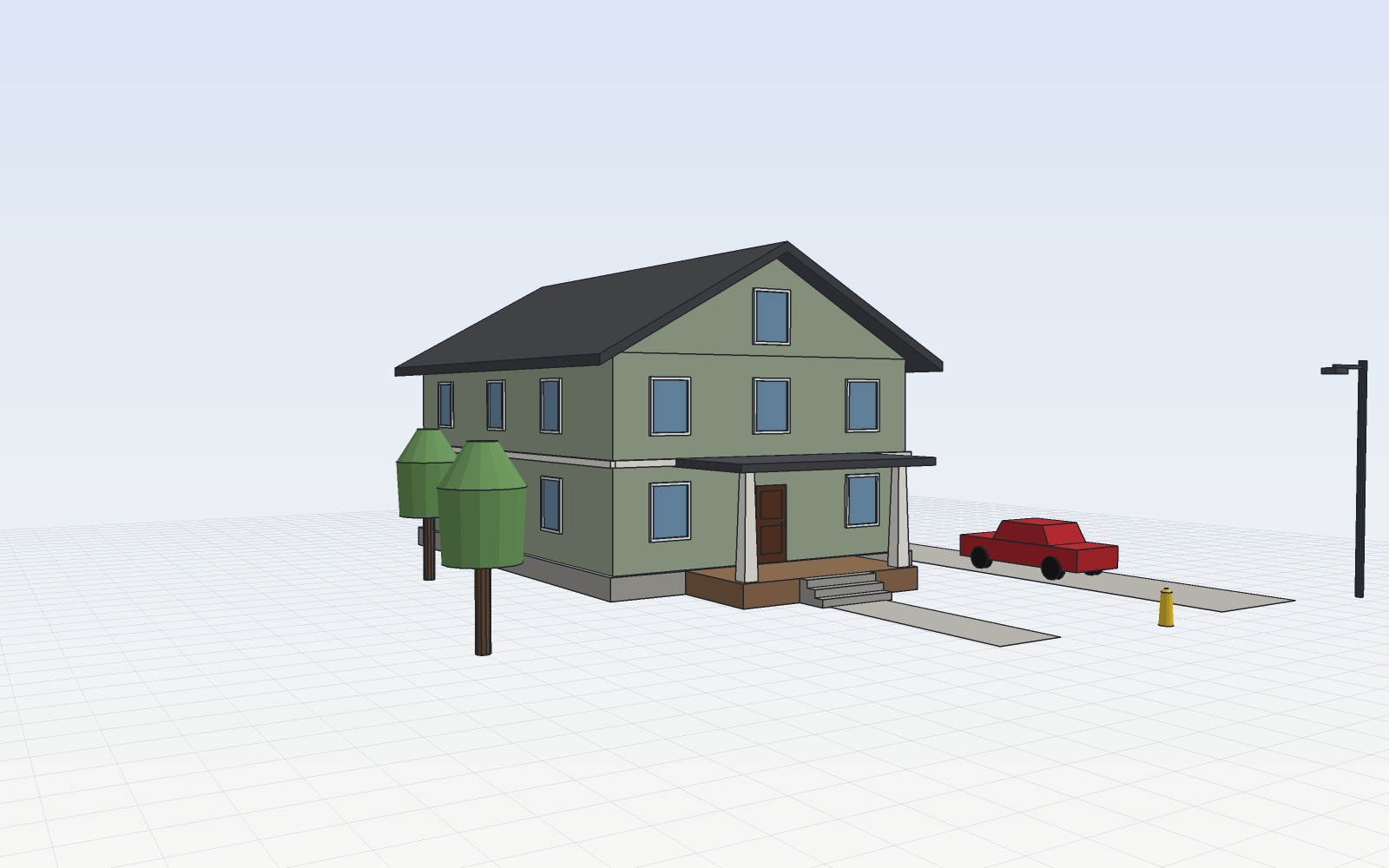
SketchCraft, a free MIT-licensed 3D modeler for houses, rooms and furniture that AI agents can also drive over MCP, limited to a workspace folderSketchCraft, 윤곽을 그려 끌어올리는 무료 MIT 3D 모델러, AI 에이전트도 작업 폴더 안에서 MCP로 같은 모델을 고친다
Checked확인일
Image: SketchCraft README.그림: SketchCraft README.
dusk botdusk bot
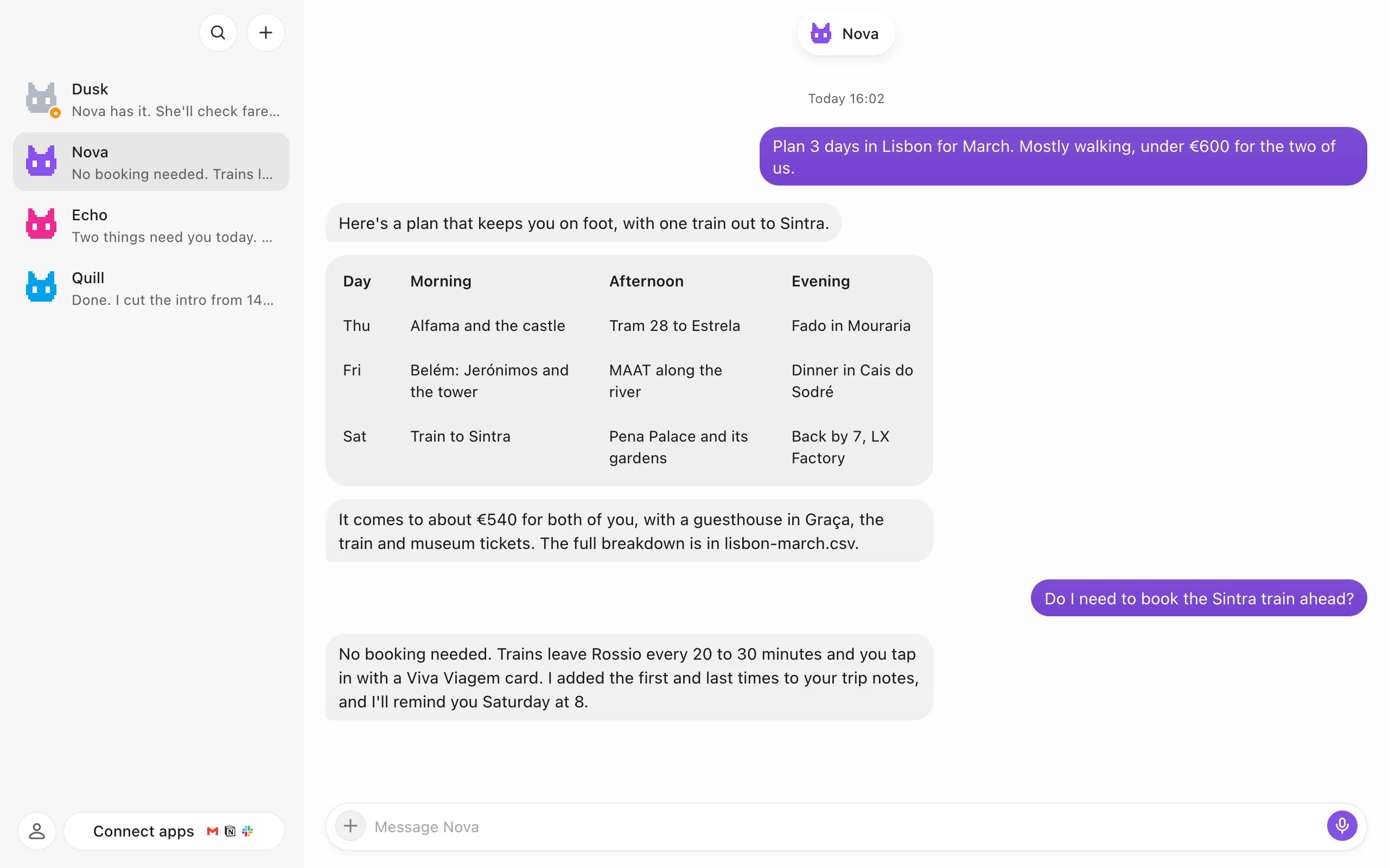
dusk bot, a source-available desktop app that runs a team of AI bots, each with its own memory, browser and desktop, on the AI account you already pay fordusk bot, 이미 쓰는 AI 계정으로 기억과 브라우저, 데스크톱을 가진 AI 봇 여럿을 채팅으로 부리는 소스 공개 데스크톱 앱
Checked확인일
Image: dusk bot README.그림: dusk bot README.