HREN


SketchCraft, a free MIT-licensed 3D modeler for houses, rooms and furniture that AI agents can also drive over MCP, limited to a workspace folderSketchCraft, 윤곽을 그려 끌어올리는 무료 MIT 3D 모델러, AI 에이전트도 작업 폴더 안에서 MCP로 같은 모델을 고친다
SketchCraft is a free, MIT-licensed 3D modeler for houses, rooms, furniture and anything with straight walls, built by drawing an outline and pulling it up; it runs on Mac, Windows 10 or 11 and Linux with no account or subscription, and AI agents connect through the CLI's MCP server and edit the same model only inside a workspace folder. It is not signed by Apple or Microsoft yet, so the first time it opens, the computer may ask whether to trust it, and an agent can never install or remove plugins, while --any-path lifts the folder limit.SketchCraft는 집, 방, 가구처럼 곧은 벽이 있는 것을 윤곽을 그려 끌어올리는 식으로 만드는 무료 MIT 라이선스 3D 모델러로, Mac, Windows 10 · 11, Linux에서 계정이나 구독 없이 돌고 AI 에이전트는 CLI의 MCP 서버로 붙어 작업 폴더 안에서만 같은 모델을 고칩니다. 아직 Apple이나 Microsoft의 서명이 없어 처음 열 때 컴퓨터가 믿을지 묻고, 에이전트는 플러그인을 깔거나 지우지 못하지만 --any-path를 주면 폴더 제한이 풀립니다.
- Checked확인일
SketchCraft is a free 3D modeler for houses, rooms, furniture and anything with straight walls, built by drawing an outline and pulling it up into a shape; it is open source under the MIT license and runs on Mac (Apple silicon or Intel), Windows 10 or 11 and Linux with no account or subscription. It is not signed by Apple or Microsoft yet, so the first time it opens, the computer may ask whether to trust it, and after that it offers to update when a new version is out. It uses the same tools and shortcuts as SketchUp and reads SketchUp files, but it is an independent project not affiliated with Trimble or SketchUp.SketchCraft는 윤곽을 그려 끌어올리는 식으로 집, 방, 가구처럼 곧은 벽이 있는 것을 만드는 무료 3D 모델러로, MIT 라이선스 오픈소스이고 Mac(Apple silicon · Intel), Windows 10 · 11, Linux에서 계정이나 구독 없이 돕니다. 아직 Apple이나 Microsoft의 서명이 없어 처음 열 때 컴퓨터가 믿을지 묻고, 그 뒤로는 새 판이 나오면 열 때 업데이트를 제안합니다. SketchUp과 같은 도구와 단축키로 쓰고 SketchUp 파일을 열지만 Trimble이나 SketchUp과 관계없는 별개 프로젝트입니다.
AI agents connect through the MCP server that the CLI's sketchcraft mcp command starts. An agent may model, inspect, render and import or export files only inside a workspace folder, the folder of the --doc model file or one chosen with --workspace; with neither flag the server will not start, and a home folder or drive root is refused, although --any-path lifts the limit. Because names in an imported file can read like instructions, text read from the model is marked as data in the tool output, and an agent can never install, enable or remove plugins or write text to any file. The app works offline and goes online only to check for updates and, when asked, to fetch map imagery for a location; authentication and encryption for the MCP connection are not stated in the source.AI 에이전트는 CLI의 sketchcraft mcp가 여는 MCP 서버로 붙습니다. 에이전트는 작업 폴더(--doc 모델 파일의 폴더나 --workspace로 고른 폴더) 안에서만 모델링, 확인, 렌더, 파일 가져오기와 내보내기를 하고, 두 플래그가 다 없으면 서버가 뜨지 않으며 홈 폴더나 드라이브 뿌리는 거절되지만, --any-path를 주면 이 제한이 풀립니다. 가져온 파일 속 이름이 지시처럼 읽힐 수 있어 모델에서 읽은 글은 도구 출력에 데이터로 표시되고, 플러그인 설치와 켜기, 지우기, 아무 파일에 글 쓰기는 하지 못합니다. 앱은 오프라인으로 돌고 업데이트 확인과 요청한 위치의 지도 그림을 받을 때만 인터넷에 붙으며, MCP 연결의 인증과 암호화는 원문에 나와 있지 않습니다.
Drawing uses push/pull, lines that cut faces, arcs, circles, offsets, Follow Me, move, rotate, scale and copies, with exact sizes typed along the way and snapping to corners, midpoints, centers and the axes. Groups inside groups, reusable components where changing one changes them all, and tags like layers keep big models organized, and a 2D floor plan turns into walls in one click. It reads SketchUp files (.skp versions 6 to 8 and 2013 onward), DXF, DWG and IFC with a free helper, FBX, OBJ and 3D scans, and saves glTF, OBJ, STL, Collada, DXF, DWG, IFC, PDF, PNG and MP4.밀고 당기기, 면을 가르는 선, 호와 원, 오프셋, Follow Me, 이동, 회전, 크기, 복사로 그리며 치수를 그때그때 치고, 모서리와 중점, 중심, 축에 붙습니다. 그룹 안의 그룹, 하나를 고치면 다 바뀌는 컴포넌트, 레이어 같은 태그로 큰 모델을 정리하고, 2D 평면도를 한 번에 벽으로 바꿉니다. SketchUp 파일(.skp 6~8 버전과 2013 버전 이후), DXF, 무료 도우미를 둔 DWG와 IFC, FBX, OBJ, 3D 스캔을 열고 glTF, OBJ, STL, Collada, DXF, DWG, IFC, PDF, PNG, MP4로 저장합니다.
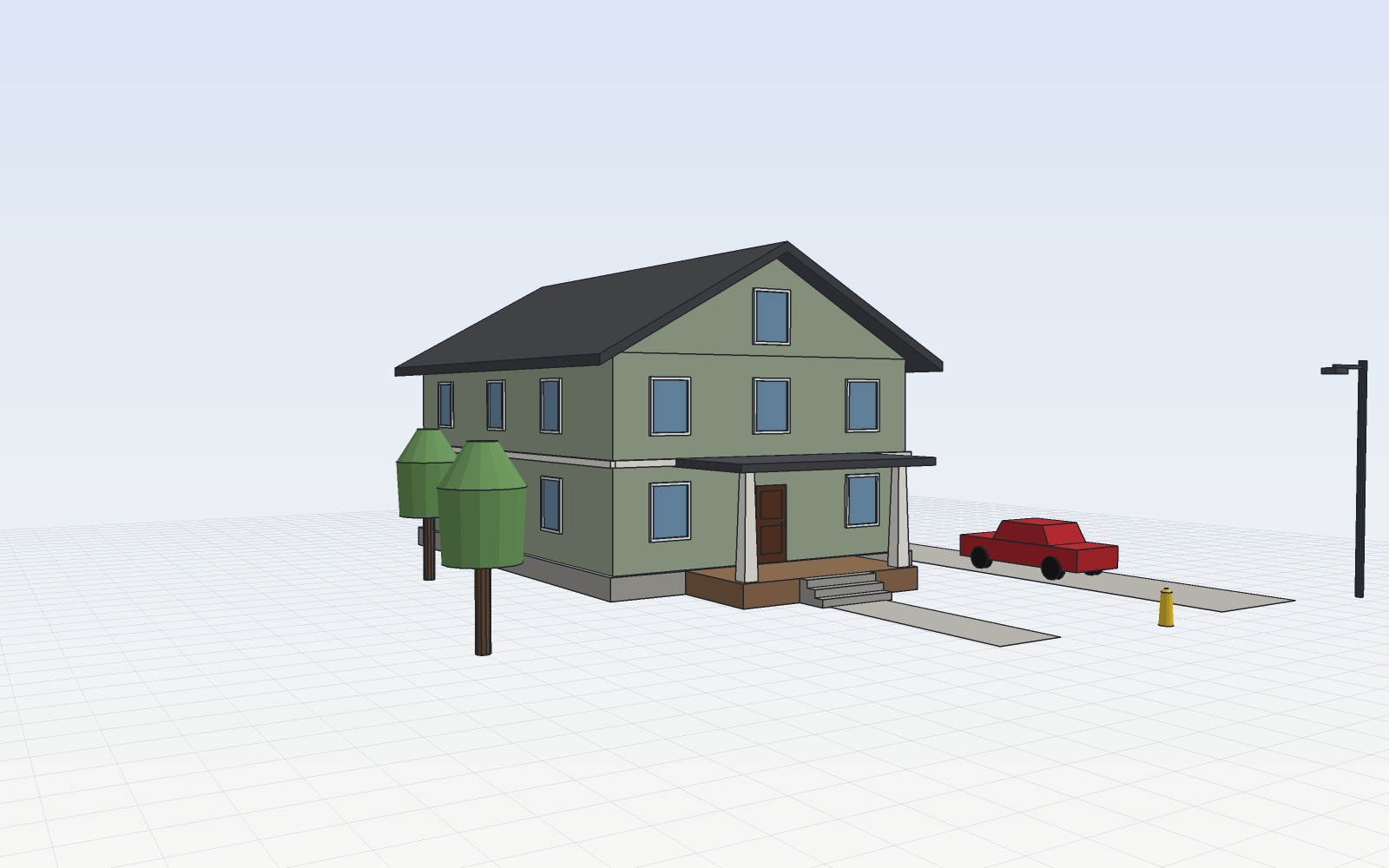
Every action in the app is a JSON command, so scripts, plugins and AI agents drive exactly what a person drives with the mouse. The MCP server's tools are sketchcraft_run, which runs commands, sketchcraft_render, which renders the model and returns the image so the agent can look at what it built, and sketchcraft_info, which reports what is in the model. Given the desktop app's live file through --doc, a person and the agent edit the same model, and the project's docs say what the agent builds appears in the app within a second. Each side picks up the other's latest save before changing anything and saves the whole model after a change, and when both change the same thing at the same moment, the later one wins.앱의 모든 동작은 JSON 명령이라 스크립트, 플러그인, AI 에이전트가 마우스로 하는 일을 똑같이 몹니다. MCP 서버의 도구는 명령을 돌리는 sketchcraft_run, 모델을 렌더해 그림을 돌려주어 에이전트가 만든 것을 보게 하는 sketchcraft_render, 모델 속을 알려 주는 sketchcraft_info 셋입니다. 데스크톱 앱의 실시간 파일을 --doc으로 주면 사람과 에이전트가 같은 모델을 고치고, 프로젝트 문서는 에이전트가 지은 것이 1초 안에 앱에 나타난다고 적습니다. 둘은 바꾸기 전에 서로의 마지막 저장을 읽고 바꾼 뒤 모델 전체를 저장하며, 같은 것을 같은 순간 바꾸면 나중 쪽이 이깁니다.
The app comes from the repository's latest version as a universal DMG for Mac, an x64 setup file or portable ZIP for Windows, and an AppImage, .deb or .rpm for Linux, and the CLI comes in each version as a zip per platform. Claude Code connects by adding the sketchcraft binary with the mcp --doc arguments to another project's MCP settings. This repository's own .mcp.json runs a local build when the project is trusted, so the docs say to trust only a clone whose binary the user has built.앱은 저장소의 최신 판에서 Mac용 universal DMG, Windows용 x64 설치 파일이나 휴대용 ZIP, Linux용 AppImage, .deb, .rpm으로 받고, CLI는 판마다 플랫폼별 zip으로 들어 있습니다. Claude Code는 다른 프로젝트의 MCP 설정에 sketchcraft 실행 파일과 mcp --doc 인자를 넣어 잇습니다. 이 저장소의 .mcp.json은 프로젝트를 믿으면 로컬 빌드 실행 파일을 돌리므로, 문서는 실행 파일을 스스로 빌드한 클론만 믿으라고 적습니다.
An agent's own destructive steps are backed up in a small separate quota of 10 files, paced to one a minute, and the person and the agent each have their own Undo. Numbers outside +/-1e9, over-long strings and URL or pipe paths are refused for everyone. The MIT license comes with no warranty.에이전트의 지우는 단계는 파일 10개, 1분에 하나라는 작은 몫으로 따로 백업되고, 되돌리기는 사람과 에이전트가 저마다 따로 씁니다. 모든 쪽에서 +/-1e9 밖의 수, 너무 긴 글, URL이나 파이프 경로는 거절됩니다. MIT 라이선스라 보증은 없습니다.
Keep reading더 읽기
All articles전체 글rust-anythingrust-anything
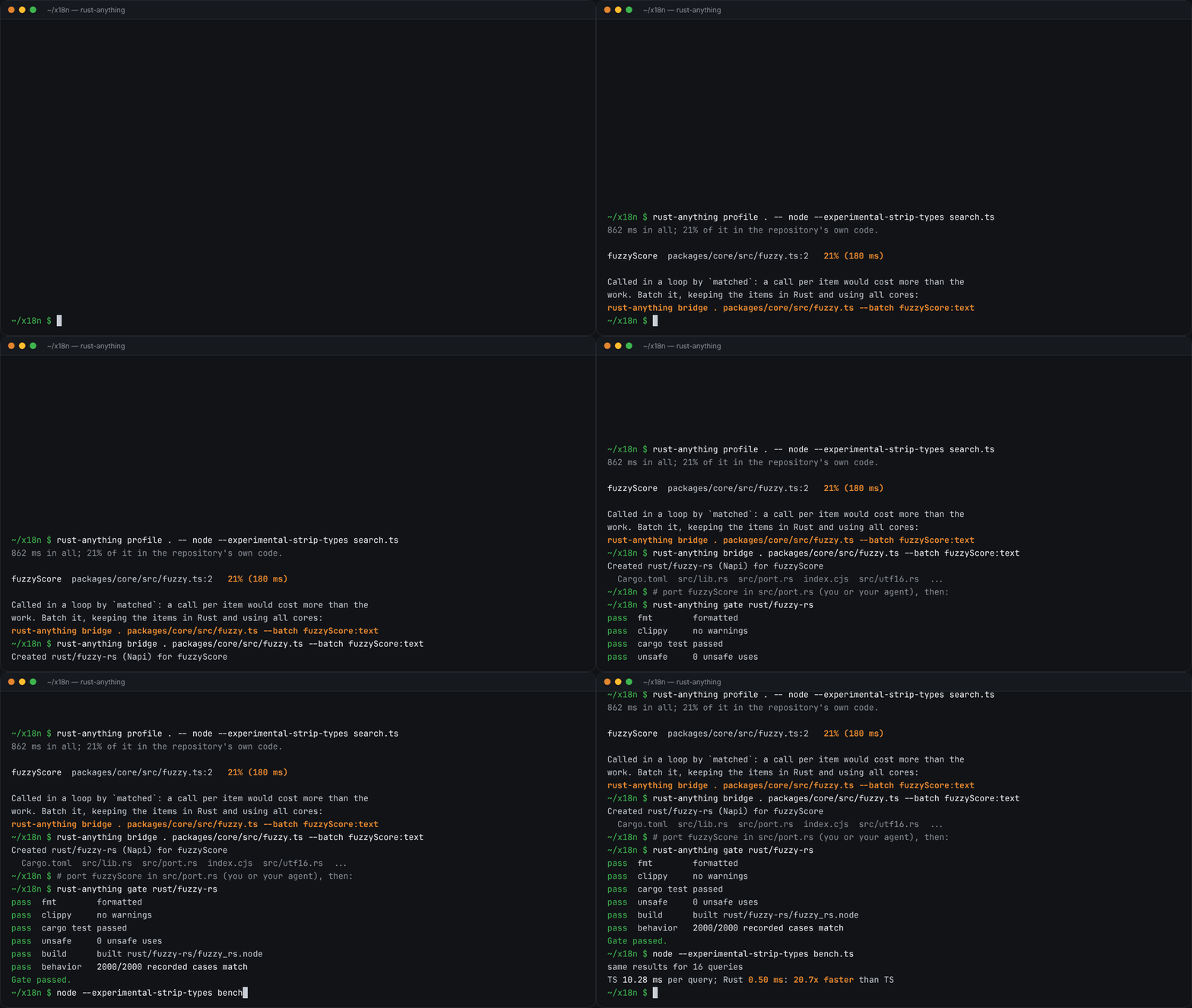
rust-anything, an MIT-licensed command-line tool that moves a Node.js, Python, C, Go, Ruby or Java app to Rust one piece at a time and checks each piece against recordings of the originalrust-anything, Node.js·Python·C·Go·Ruby·Java 앱을 한 조각씩 Rust로 옮기며 조각마다 원래 코드의 기록과 맞춰 보는 MIT License 명령줄 도구
Checked확인일
Image: rust-anything README.그림: rust-anything README.
sketchsketch
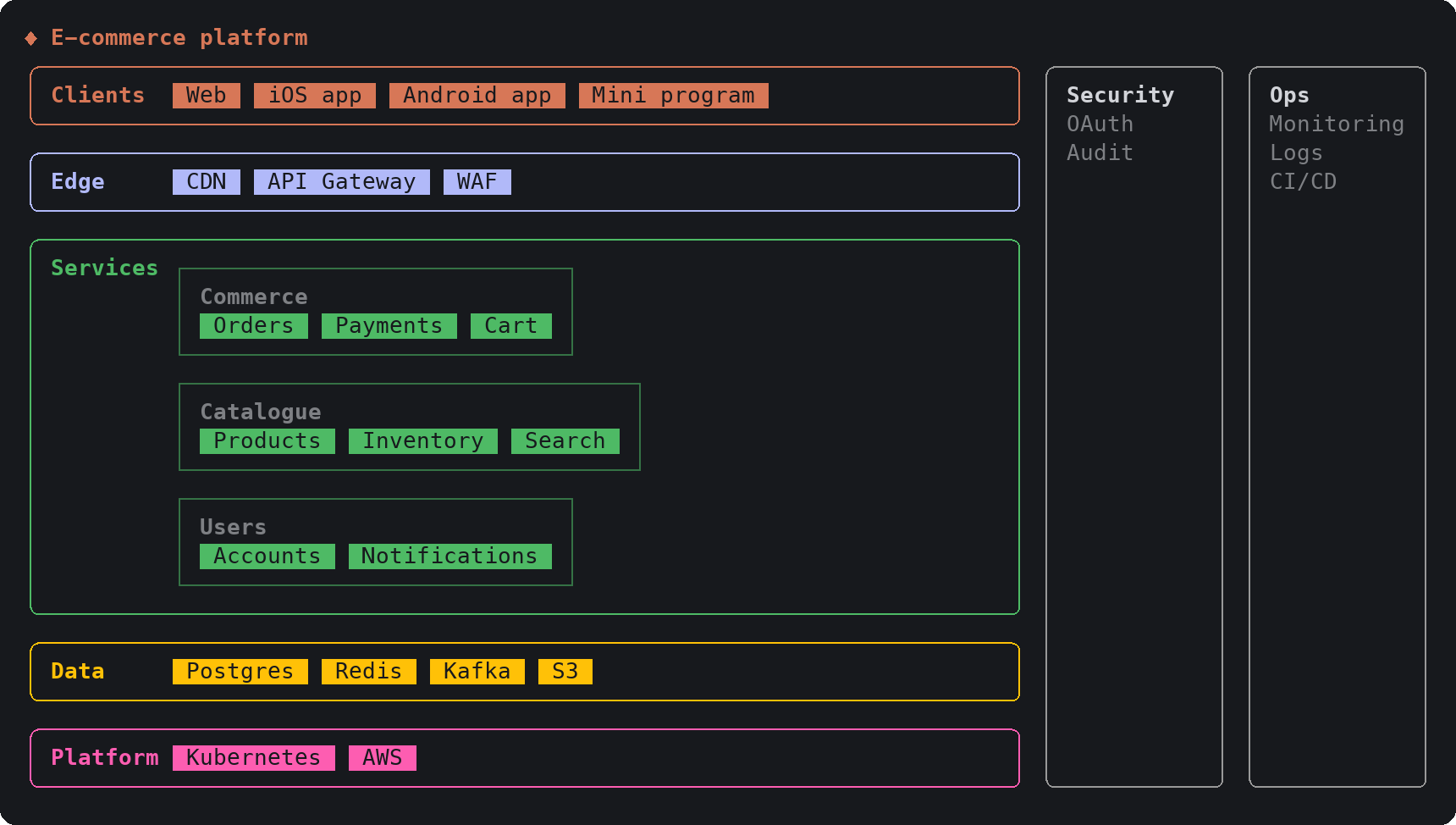
sketch, an MIT-licensed Claude Code plugin that answers with diagrams, roadmaps, wireframes and chart cards in the terminal instead of paragraphssketch, Claude Code의 답을 문단 대신 터미널 안 구조도와 로드맵, 화면 틀, 차트 카드로 그려 주는 MIT 플러그인
Checked확인일
Image: sketch README.그림: sketch README.
dusk botdusk bot
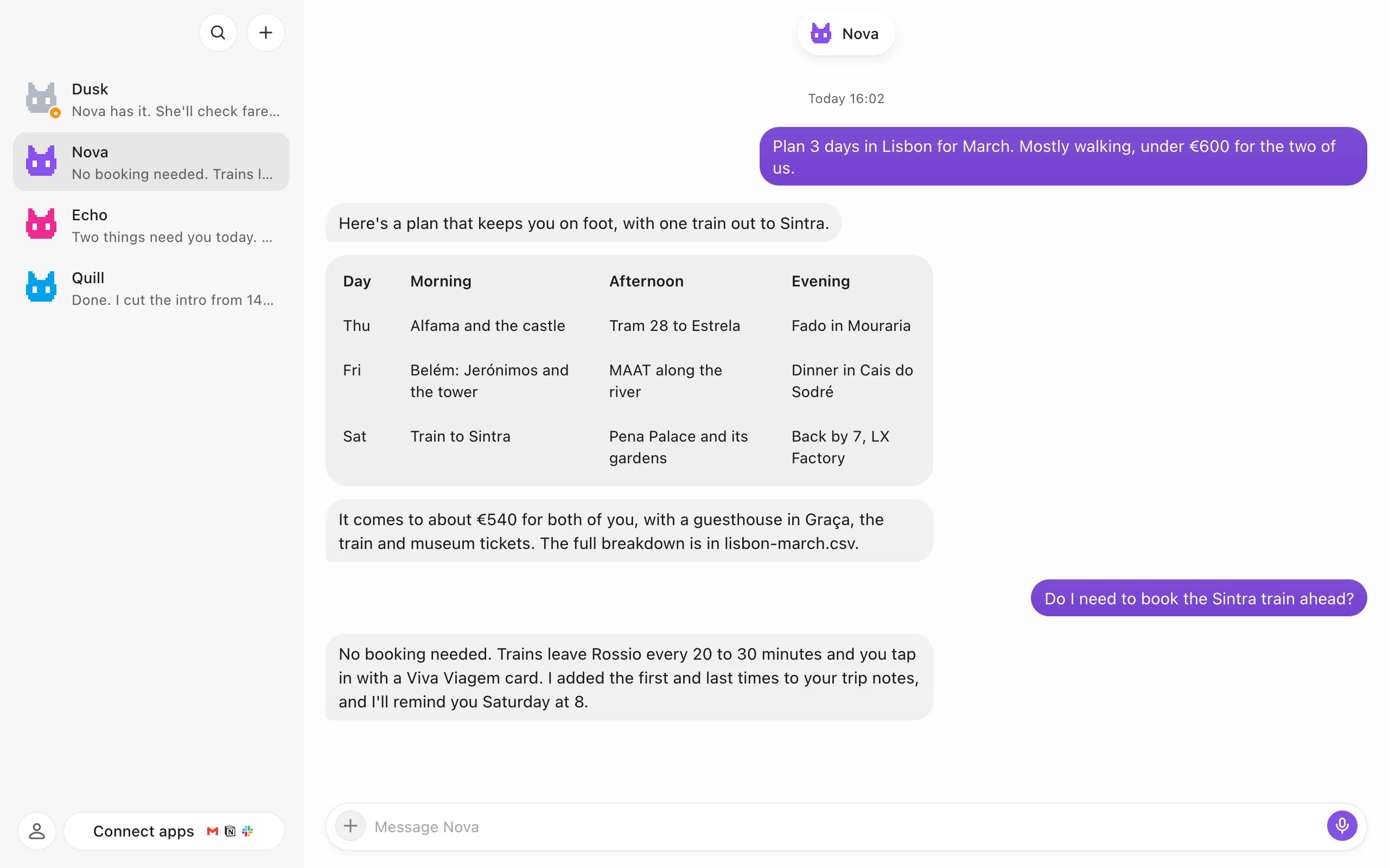
dusk bot, a source-available desktop app that runs a team of AI bots, each with its own memory, browser and desktop, on the AI account you already pay fordusk bot, 이미 쓰는 AI 계정으로 기억과 브라우저, 데스크톱을 가진 AI 봇 여럿을 채팅으로 부리는 소스 공개 데스크톱 앱
Checked확인일
Image: dusk bot README.그림: dusk bot README.