HREN


CleanYourTV, an open-source tool that switches off ads and preloaded apps on Android TV and Google TV over Wi-FiCleanYourTV, Android TV와 Google TV의 광고와 미리 깔린 앱을 Wi-Fi로 꺼 주는 오픈소스 도구
A coding assistant follows the repository's prompt to back up the TV, switch off ad services and preloaded apps and install a new launcher. Nothing is uninstalled, so it can be undone, and Samsung and LG sets are not supported.코딩 도우미가 저장소의 프롬프트를 따라 TV를 백업하고 광고 서비스와 미리 깔린 앱을 끈 뒤 새 런처를 설치합니다. 아무것도 지우지 않아 되돌릴 수 있고, Samsung과 LG TV는 지원하지 않습니다.
- Checked확인일
CleanYourTV is an open-source tool that switches off the manufacturer's ad services, tracking, content rows and preloaded apps on Android TV and Google TV over Wi-Fi. It needs no root and no cable, and nothing is uninstalled. It works through USB debugging in the TV's developer options and standard Android tooling, and the repository contains no manufacturer software, firmware or APKs.CleanYourTV는 Android TV와 Google TV에서 제조사의 광고 서비스, 추적 기능, 콘텐츠 줄, 미리 깔린 앱을 Wi-Fi로 꺼 주는 오픈소스 도구입니다. 루팅이나 케이블이 필요 없고 아무것도 지우지 않습니다. TV의 개발자 옵션에서 USB 디버깅을 켜고 안드로이드 기본 도구로 작업합니다. 저장소에는 제조사 소프트웨어, 펌웨어, APK가 들어 있지 않습니다.
The work has three steps. It backs up the list of installed packages and settings, turns off the manufacturer's telemetry, ad services, content rows and preloaded junk with pm disable-user, then installs a small native launcher and makes it the default home screen. The bloat differs by brand, so the repository's prompt has a coding assistant discover it on your TV and ask before touching anything you might use.작업은 세 단계입니다. 먼저 설치된 패키지 목록과 설정을 백업하고, pm disable-user로 제조사의 원격 측정, 광고 서비스, 콘텐츠 줄, 미리 깔린 앱을 끈 뒤, 작은 네이티브 런처를 설치해 기본 홈 화면으로 정합니다. 꺼야 할 항목은 브랜드마다 달라서, 저장소의 프롬프트는 코딩 도우미가 TV에서 직접 찾아내고 사용자가 쓸 만한 앱은 건드리기 전에 묻도록 되어 있습니다.
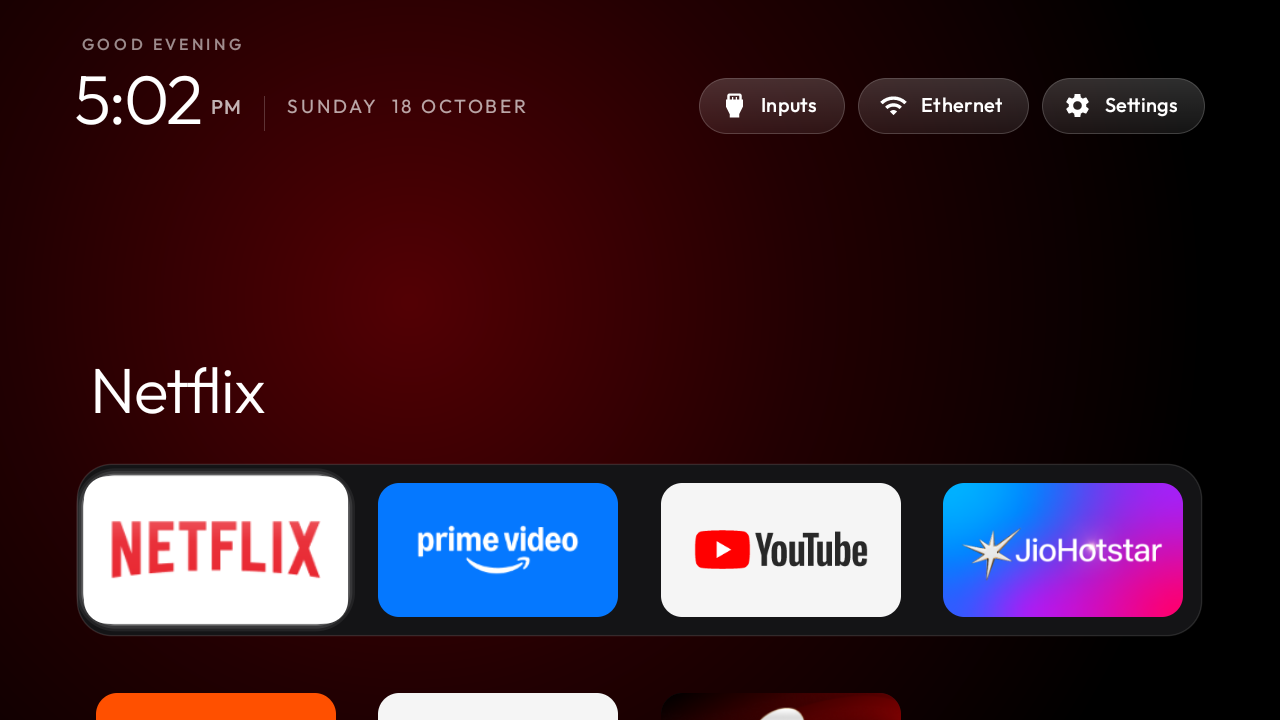
The new home screen is pitch black, with a dock of four favorite apps, a top shelf that names the focused app in large type and the rest of the apps in a grid that slides up when you press Down. Inputs, network and Settings buttons sit beside a clock, and themes change colors, wallpaper, dock and columns without a rebuild. Because a record of the TV is written before anything changes, one tools/restore.sh command puts it back. The launcher stays installed after a restore and can be removed from the TV's Settings, in Apps.설치 뒤 홈 화면은 검은 바탕에 자주 쓰는 앱 네 개를 둔 독과, 선택한 앱 이름을 크게 보여 주는 위쪽 영역, 아래로 내리면 올라오는 나머지 앱 격자로 이뤄집니다. 입력 전환, 네트워크, 설정 버튼과 시계가 함께 있고, 테마로 색, 배경, 독, 열 수를 다시 빌드하지 않고 바꿀 수 있습니다. 변경 전에 TV 상태를 기록해 두기 때문에 tools/restore.sh 한 줄로 원래대로 돌릴 수 있습니다. 런처는 복원 뒤에도 남으므로 TV 설정의 앱 메뉴에서 지우면 됩니다.
On the TV, go to Settings, then Device Preferences and About, press OK on Build seven times, and turn on USB debugging in Developer options. On a computer, run git clone https://github.com/Gathin23/cleanyourtv, open that folder in a coding assistant such as Claude Code or Gemini CLI, paste PROMPT.md, fill in the TV model and answer the checklist. The computer needs to be on the same Wi-Fi as the TV, with a shell, Python 3, a JDK from 17 through 22 and Android SDK platform 34 with build-tools 34. The README says this takes about fifteen minutes and also gives the commands for doing it by hand without an assistant.TV 설정의 기기 환경설정에서 정보로 들어가 Build를 일곱 번 눌러 개발자 옵션을 켠 다음 USB 디버깅을 켭니다. 컴퓨터에서는 git clone https://github.com/Gathin23/cleanyourtv로 저장소를 받아 그 폴더를 Claude Code나 Gemini CLI 같은 코딩 도우미로 열고, PROMPT.md를 붙여 넣어 TV 모델을 적은 뒤 도우미가 묻는 항목에 답합니다. 컴퓨터는 TV와 같은 Wi-Fi에 있어야 하고 셸, Python 3, JDK 17부터 22까지 중 하나, Android SDK 플랫폼 34와 build-tools 34가 필요합니다. README는 이 과정이 약 15분 걸린다고 설명하며, 코딩 도우미 없이 명령을 직접 실행하는 방법도 함께 적어 두었습니다.
Samsung Tizen, LG webOS, Roku, Vizio and Hisense VIDAA sets have no ADB and are not supported. Fire TV gets only the half that switches apps off, since Fire OS will not hand Home to a third-party launcher, and a few China-market TCL sets refuse to install any launcher. A firmware update brings the listed packages back, returns Home to the stock launcher and can add new preloads that no list mentions.Samsung Tizen, LG webOS, Roku, Vizio, Hisense VIDAA TV는 ADB가 없어 지원하지 않습니다. Fire TV는 Fire OS가 다른 런처에 홈을 넘기지 않아 앱을 끄는 기능만 쓸 수 있고, 일부 중국 시장용 TCL 모델은 런처를 설치할 수 없습니다. 펌웨어를 업데이트하면 목록에 넣었던 패키지가 돌아오고 홈이 기본 런처로 바뀌며, 목록에 없는 새 사전 설치 앱도 생깁니다.
You run it on a TV you own, at your own risk, and changing a TV's software may affect its warranty or support. The code is under the MIT License, and the launcher's Outfit typeface is under the SIL Open Font License 1.1. CleanYourTV is an independent project, not affiliated with any TV maker or platform, and it publishes no app in any app store. Its official addresses are cleanyour.tv and this repository; domains such as cleanyourtv.com and clean-your-tv.net are not run by the project.직접 소유한 TV에 본인 책임으로 실행해야 하고, TV 소프트웨어를 바꾸면 보증이나 지원에 영향을 줄 수 있습니다. 코드는 MIT 라이선스이고 런처에 든 Outfit 글꼴은 SIL Open Font License 1.1을 따릅니다. TV 제조사나 플랫폼과 관계없는 독립 프로젝트이며, 앱 스토어에 앱을 내지 않습니다. 공식 주소는 cleanyour.tv와 이 저장소이고, cleanyourtv.com이나 clean-your-tv.net 같은 주소는 이 프로젝트가 운영하지 않습니다.
Sources & references원문과 참고 자료
Keep reading더 읽기
All articles전체 글rust-anythingrust-anything
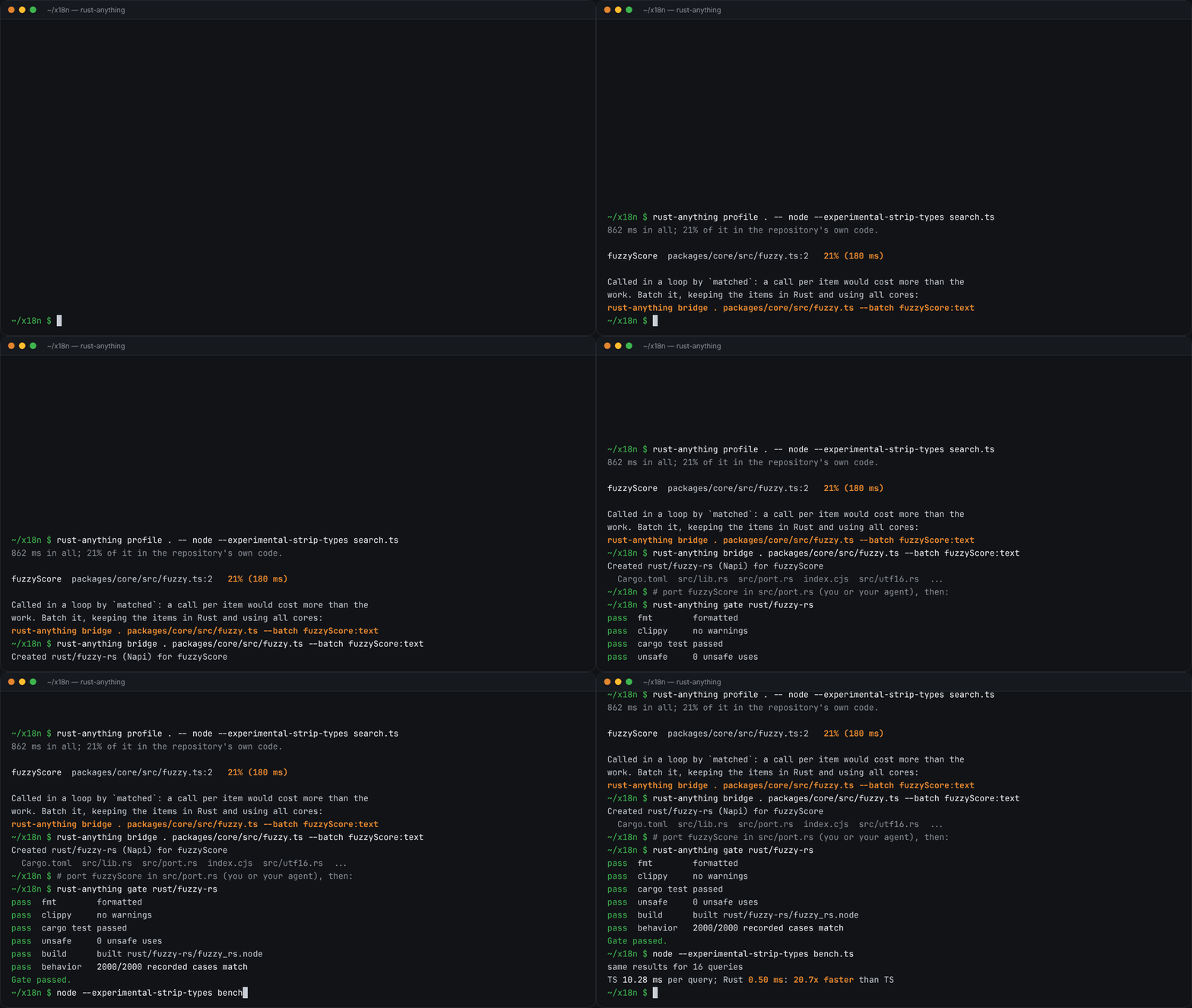
rust-anything, an MIT-licensed command-line tool that moves a Node.js, Python, C, Go, Ruby or Java app to Rust one piece at a time and checks each piece against recordings of the originalrust-anything, Node.js·Python·C·Go·Ruby·Java 앱을 한 조각씩 Rust로 옮기며 조각마다 원래 코드의 기록과 맞춰 보는 MIT License 명령줄 도구
Checked확인일
Image: rust-anything README.그림: rust-anything README.
sketchsketch
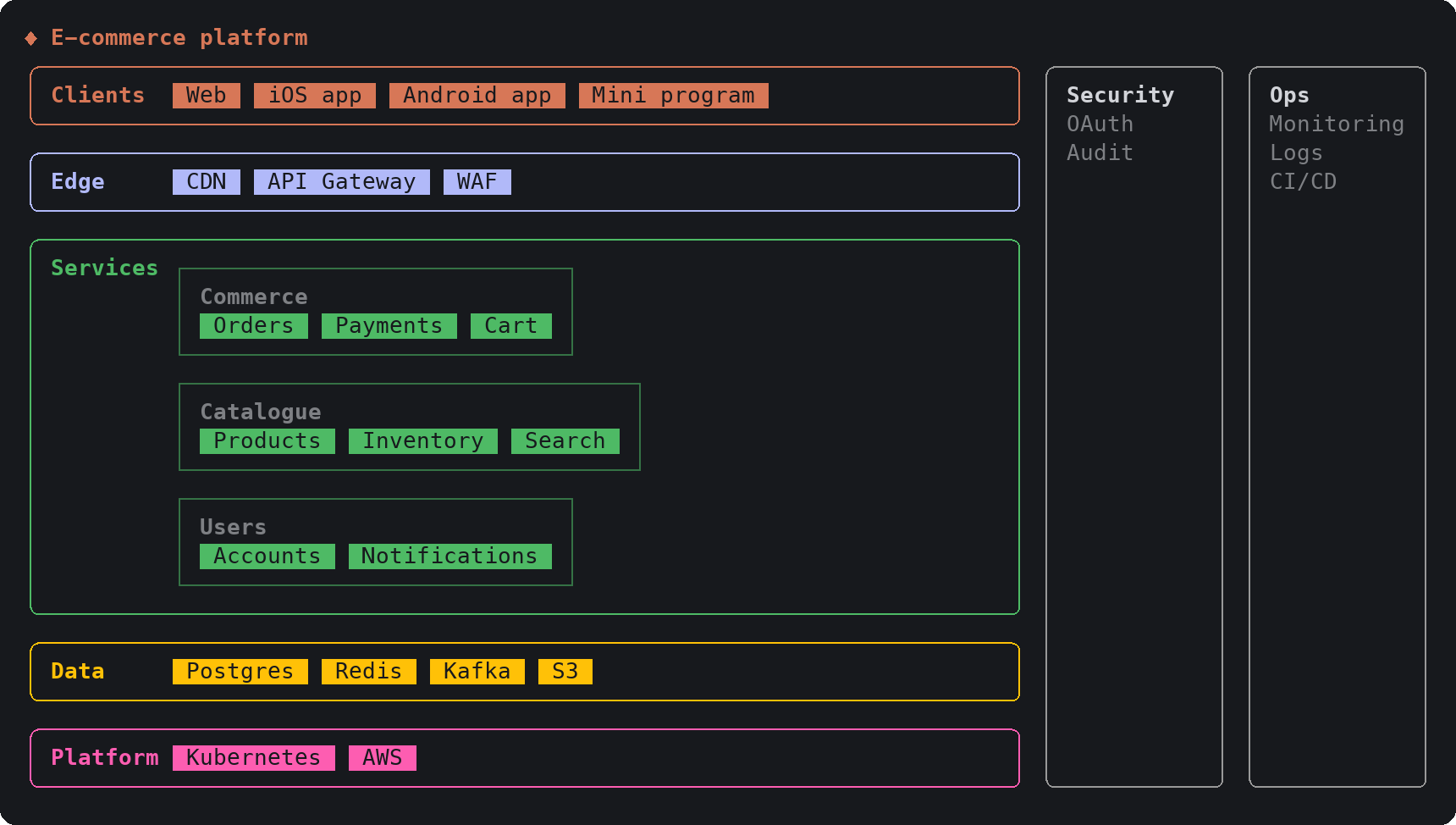
sketch, an MIT-licensed Claude Code plugin that answers with diagrams, roadmaps, wireframes and chart cards in the terminal instead of paragraphssketch, Claude Code의 답을 문단 대신 터미널 안 구조도와 로드맵, 화면 틀, 차트 카드로 그려 주는 MIT 플러그인
Checked확인일
Image: sketch README.그림: sketch README.
SketchCraftSketchCraft
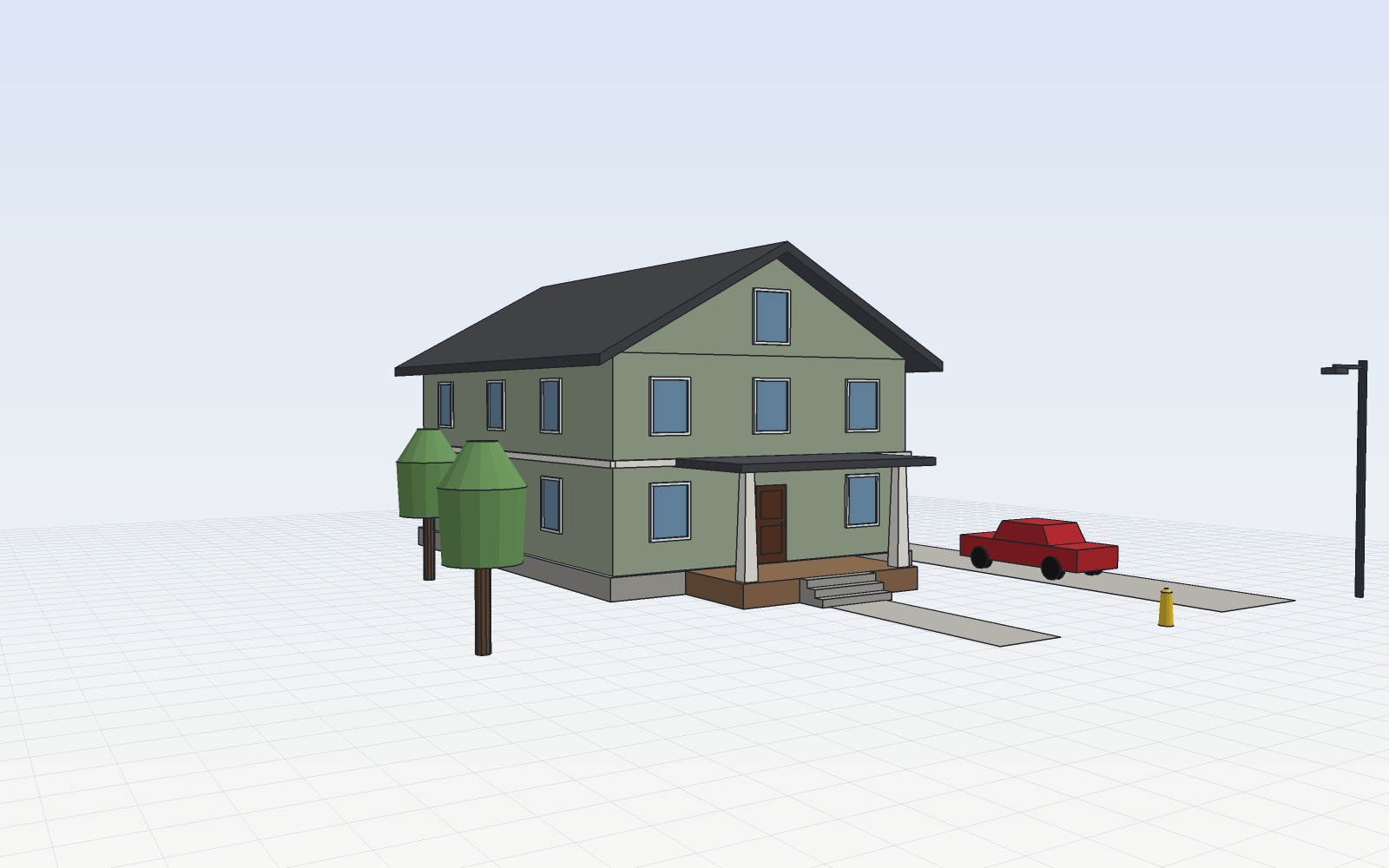
SketchCraft, a free MIT-licensed 3D modeler for houses, rooms and furniture that AI agents can also drive over MCP, limited to a workspace folderSketchCraft, 윤곽을 그려 끌어올리는 무료 MIT 3D 모델러, AI 에이전트도 작업 폴더 안에서 MCP로 같은 모델을 고친다
Checked확인일
Image: SketchCraft README.그림: SketchCraft README.