HREN


Yogurt records, transcribes and summarizes meetings on your own computer, with no bot in the callYogurt, 봇 없이 회의를 녹음해 내 컴퓨터에서 전사하고 요약하는 MIT 라이선스 메모 앱
Yogurt is an MIT-licensed meeting notes app that records your microphone and call audio and transcribes and summarizes the meeting on your own computer, with no bot joining the call. It runs on Apple Silicon Macs with macOS 14.4 or later, x64 Windows 10 version 2004 or later and x64 Ubuntu 22.04 or later with PulseAudio or PipeWire, and needs at least 8 GB of memory. Processing is local, but an AI app you connect may send what it reads to its own online model.Yogurt는 회의에 봇을 넣지 않고 마이크와 통화 소리를 녹음해 내 컴퓨터에서 전사하고 요약하는 MIT 라이선스 회의 메모 앱입니다. Apple Silicon Mac(macOS 14.4 이상), x64 Windows 10 version 2004 이상, x64 Ubuntu 22.04 이상(PulseAudio 또는 PipeWire 필요)에서 돌고 메모리 8 GB 이상이 필요합니다. 처리는 컴퓨터 안에서 이뤄지지만, 연결한 AI 앱은 읽은 내용을 자기 온라인 모델로 보낼 수 있습니다.
- Checked확인일
Yogurt is a meeting notes app that records your calls without adding a bot to the meeting, then transcribes the meeting and writes a summary. It is made by Frigade and released under the MIT license. It requires an Apple Silicon Mac with macOS 14.4 or later, x64 Windows 10 version 2004 or later, or x64 Ubuntu 22.04 or a compatible newer system with PulseAudio or PipeWire, and every computer needs at least 8 GB of memory. The help page says audio, transcripts, notes and questions are processed locally, that Yogurt does not upload your meetings, and that there is no telemetry. If you connect an AI app, however, that app may send what it reads to its own online model.Yogurt는 회의에 봇을 넣지 않고 통화를 녹음해 전사하고 요약까지 쓰는 회의 메모 앱입니다. Frigade가 만들었고 MIT 라이선스로 공개돼 있습니다. 요건은 Mac이 Apple Silicon에 macOS 14.4 이상, Windows가 x64에 Windows 10 version 2004 이상, Linux가 x64에 Ubuntu 22.04 또는 호환되는 더 새로운 시스템이고 PulseAudio나 PipeWire가 있어야 하며, 어느 쪽이든 메모리가 8 GB 이상이어야 합니다. 도움말은 오디오, 전사, 메모, 질문이 컴퓨터 안에서 처리되고, 회의를 업로드하지 않으며 텔레메트리가 없다고 밝힙니다. 다만 AI 앱을 연결하면 그 앱은 읽은 내용을 자기 온라인 모델로 보낼 수 있습니다.
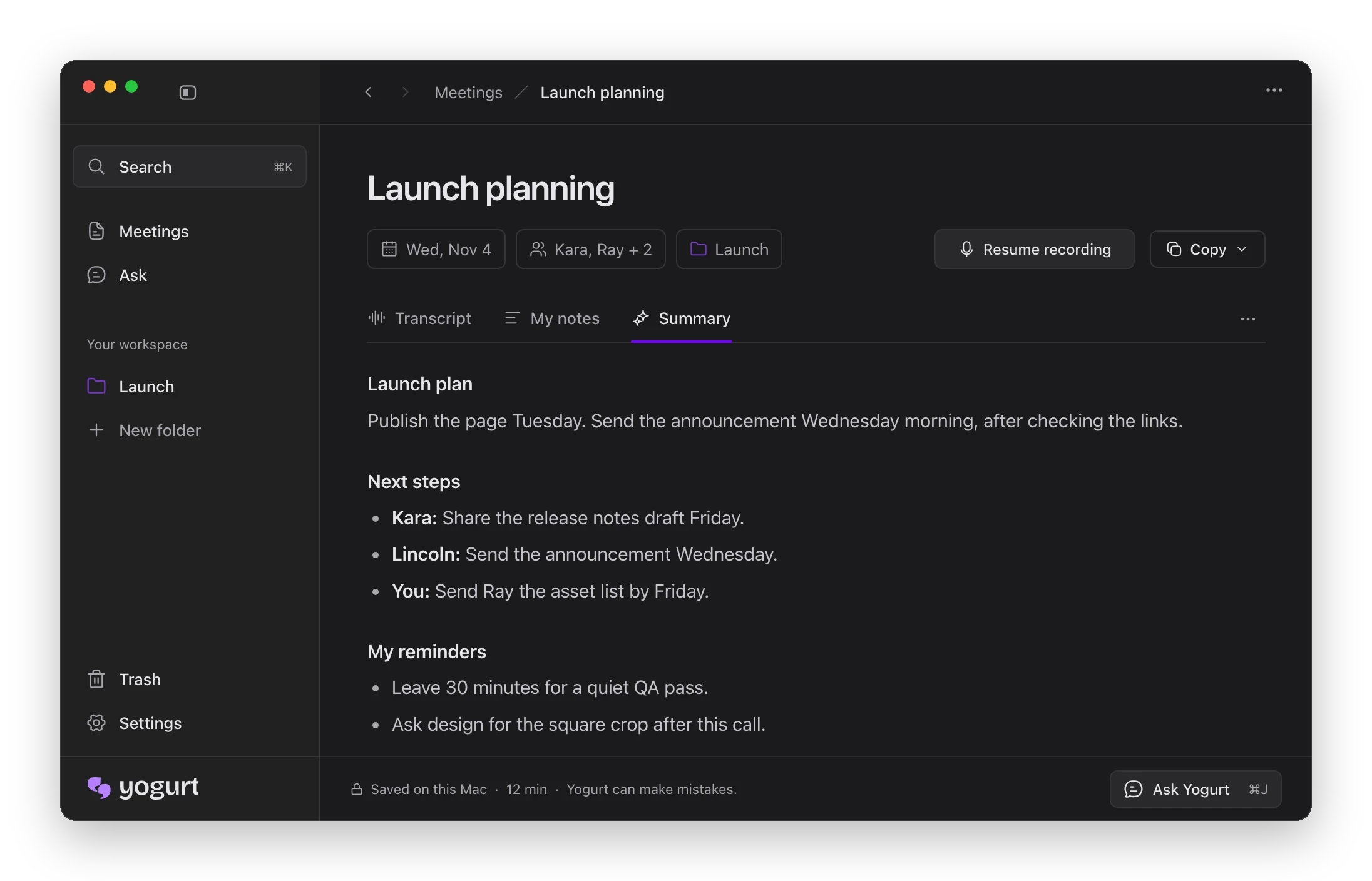
Yogurt records your microphone and call audio, transcribes the meeting, and writes a Summary alongside your own notes. The screenshot in the repository README shows Transcript, My notes and Summary tabs, with the Summary tab holding a recap of the meeting, Next steps and My reminders. On a Mac, microphone and call audio access let Yogurt hear both sides of a meeting, and macOS lists call audio under Screen & System Audio Recording. The Calendar, Notifications and Accessibility permissions are optional. Recording always waits for your click.Yogurt는 마이크와 통화 소리를 녹음하고, 회의를 전사한 다음, 사용자가 직접 쓴 메모 옆에 Summary를 씁니다. 저장소 README의 화면에는 Transcript, My notes, Summary 탭이 있고, Summary 탭에는 회의 내용 정리와 Next steps, My reminders가 보입니다. Mac에서는 마이크와 통화 오디오 접근을 허용해야 회의의 양쪽 소리를 들을 수 있으며, macOS는 통화 오디오를 Screen & System Audio Recording 항목에 둡니다. Calendar, Notifications, Accessibility 권한은 선택 사항입니다. 녹음은 언제나 사용자가 눌러야 시작됩니다.
Another AI app can be given read access to your meetings. In Settings → AI apps, you turn on access, copy the helper command and add it as a local MCP server in your AI app; MCP lets that app read your meetings, notes and transcripts, and it cannot change them. Access is off by default, and turning it off in Yogurt stops further reads. Backup works from Settings → Backup, which exports your meetings and audio to one ZIP file; meetings in the Trash are not included. Backups work across Mac, Windows and Linux.다른 AI 앱이 회의 기록을 읽게 할 수도 있습니다. Settings → AI apps에서 접근을 켜고 helper command를 복사해 AI 앱에 로컬 MCP 서버로 추가하면, 그 앱이 회의, 메모, 전사를 읽을 수 있고 바꾸지는 못합니다. 이 접근은 기본으로 꺼져 있으며, Yogurt에서 접근을 끄면 더는 읽지 못합니다. 백업은 Settings → Backup에서 회의와 오디오를 ZIP 파일 하나로 내보내는 방식이고, 휴지통에 있는 회의는 포함되지 않습니다. 백업 파일은 Mac, Windows, Linux 사이에서 함께 쓸 수 있습니다.
Installers are downloaded from GitHub Releases. On a Mac you open the DMG and drag Yogurt into Applications, on Windows you run the .exe installer, and on Linux you make the .AppImage executable and open it. If it does not open, FUSE 2 has to be installed first, with sudo apt install libfuse2 on Ubuntu 22.04 and sudo apt install libfuse2t64 on 24.04 and newer. GNOME needs the AppIndicator extension to show the tray icon. On first run, Yogurt downloads the models it needs, and recording works as soon as setup finishes. The notes model keeps downloading in the background, and notes and questions work offline once it is in. Yogurt connects to the internet to download models from Hugging Face, to get Apple's optional on-device speech assets on a Mac, and to check GitHub for updates.설치 파일은 GitHub Releases에서 받습니다. Mac은 DMG를 열어 Yogurt를 Applications로 옮기고, Windows는 .exe 설치 파일을 실행하며, Linux는 .AppImage를 실행 가능하게 바꾼 뒤 엽니다. 열리지 않으면 FUSE 2를 먼저 설치해야 하며, 명령은 Ubuntu 22.04에서 sudo apt install libfuse2, 24.04 이상에서 sudo apt install libfuse2t64입니다. GNOME에서 트레이 아이콘을 보려면 AppIndicator 확장이 필요합니다. 처음 실행하면 필요한 모델을 내려받고, 설정이 끝나는 대로 녹음을 쓸 수 있습니다. 메모 모델은 뒤에서 계속 내려받으며, 다 받으면 메모와 질문이 오프라인에서도 동작합니다. 인터넷 연결은 Hugging Face에서 모델을 받을 때, Mac에서 Apple의 선택형 온디바이스 음성 자료를 받을 때, GitHub에서 업데이트를 확인할 때 씁니다.
There are limits. The Windows installer isn't signed yet, so if Windows says it protected your PC, you click More info, then Run anyway. Windows and Linux also check transcription speed during setup and stop if the computer cannot keep up. Calendar access and speaker names from calls are available on Mac only. The models downloaded in the background can be large: the help page puts them at about 14 GB on a Mac with 64 GB of memory and about 63 GB with 96 GB or more. Because no bot joins the call, the official site tells you to let the other people on the call know you are recording. Removing the app keeps your data, and deleting the Yogurt data folder permanently removes your local meetings, recordings, settings and models.제약도 있습니다. Windows 설치 파일은 아직 서명되지 않아, Windows가 PC를 보호했다고 알리면 More info를 누른 뒤 Run anyway를 골라야 합니다. Windows와 Linux는 설정 중에 전사 속도를 확인해 컴퓨터가 따라가지 못하면 설정을 멈춥니다. 캘린더 접근과 통화의 발언자 이름은 Mac에서만 쓸 수 있습니다. 뒤에서 받는 모델은 클 수 있는데, 도움말은 메모리 64 GB Mac에서 약 14 GB, 96 GB 이상에서 약 63 GB라고 적었습니다. 봇이 통화에 들어오지 않으므로, 공식 사이트는 녹음한다는 사실을 통화 상대에게 알리라고 안내합니다. 앱을 지워도 데이터는 남고, 데이터 폴더까지 지우면 로컬의 회의, 녹음, 설정, 모델이 영구히 삭제됩니다.
Keep reading더 읽기
All articles전체 글rust-anythingrust-anything
rust-anything, an MIT-licensed command-line tool that moves a Node.js, Python, C, Go, Ruby or Java app to Rust one piece at a time and checks each piece against recordings of the originalrust-anything, Node.js·Python·C·Go·Ruby·Java 앱을 한 조각씩 Rust로 옮기며 조각마다 원래 코드의 기록과 맞춰 보는 MIT License 명령줄 도구
Checked확인일
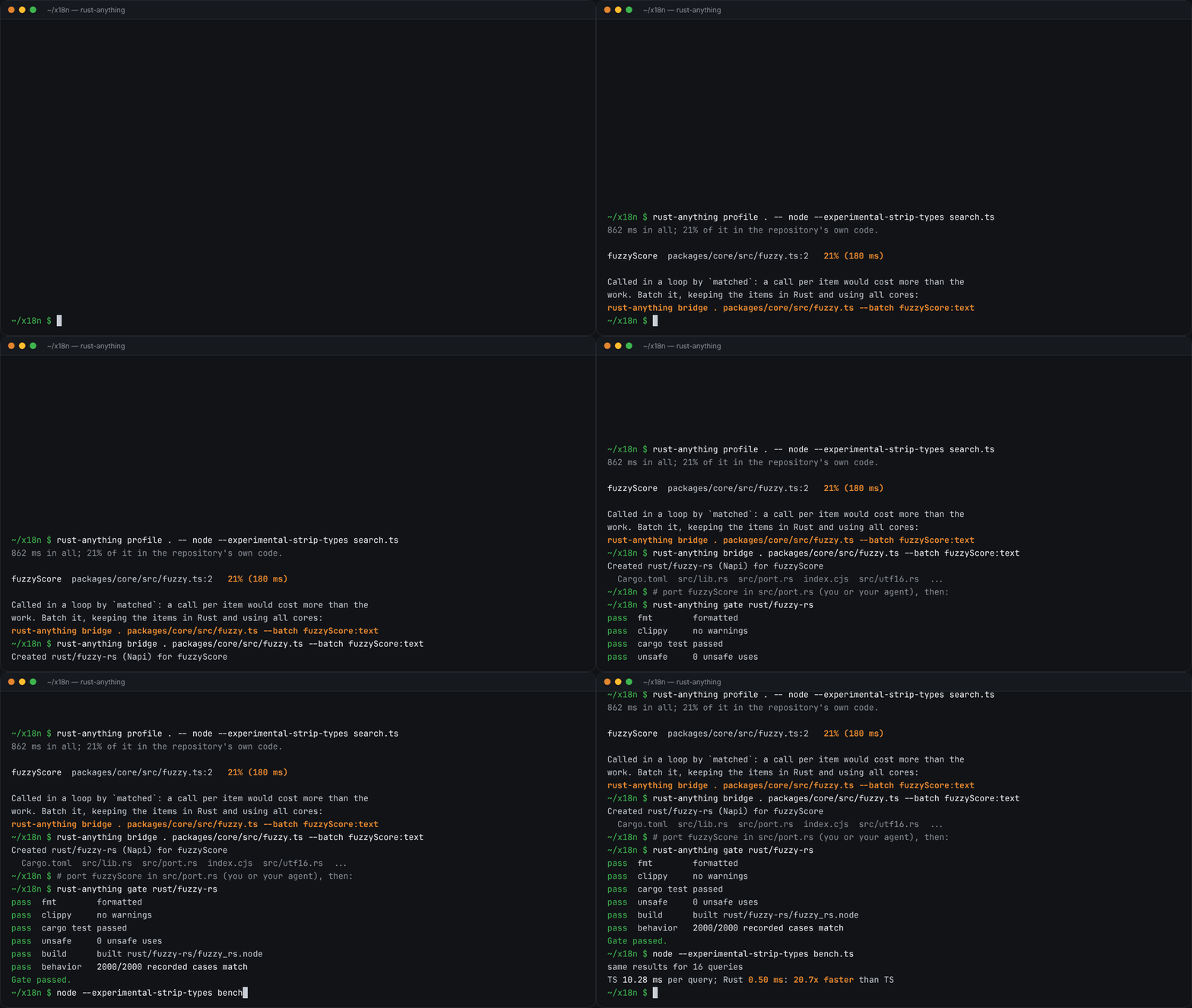
Image: rust-anything README.그림: rust-anything README.
sketchsketch
sketch, an MIT-licensed Claude Code plugin that answers with diagrams, roadmaps, wireframes and chart cards in the terminal instead of paragraphssketch, Claude Code의 답을 문단 대신 터미널 안 구조도와 로드맵, 화면 틀, 차트 카드로 그려 주는 MIT 플러그인
Checked확인일
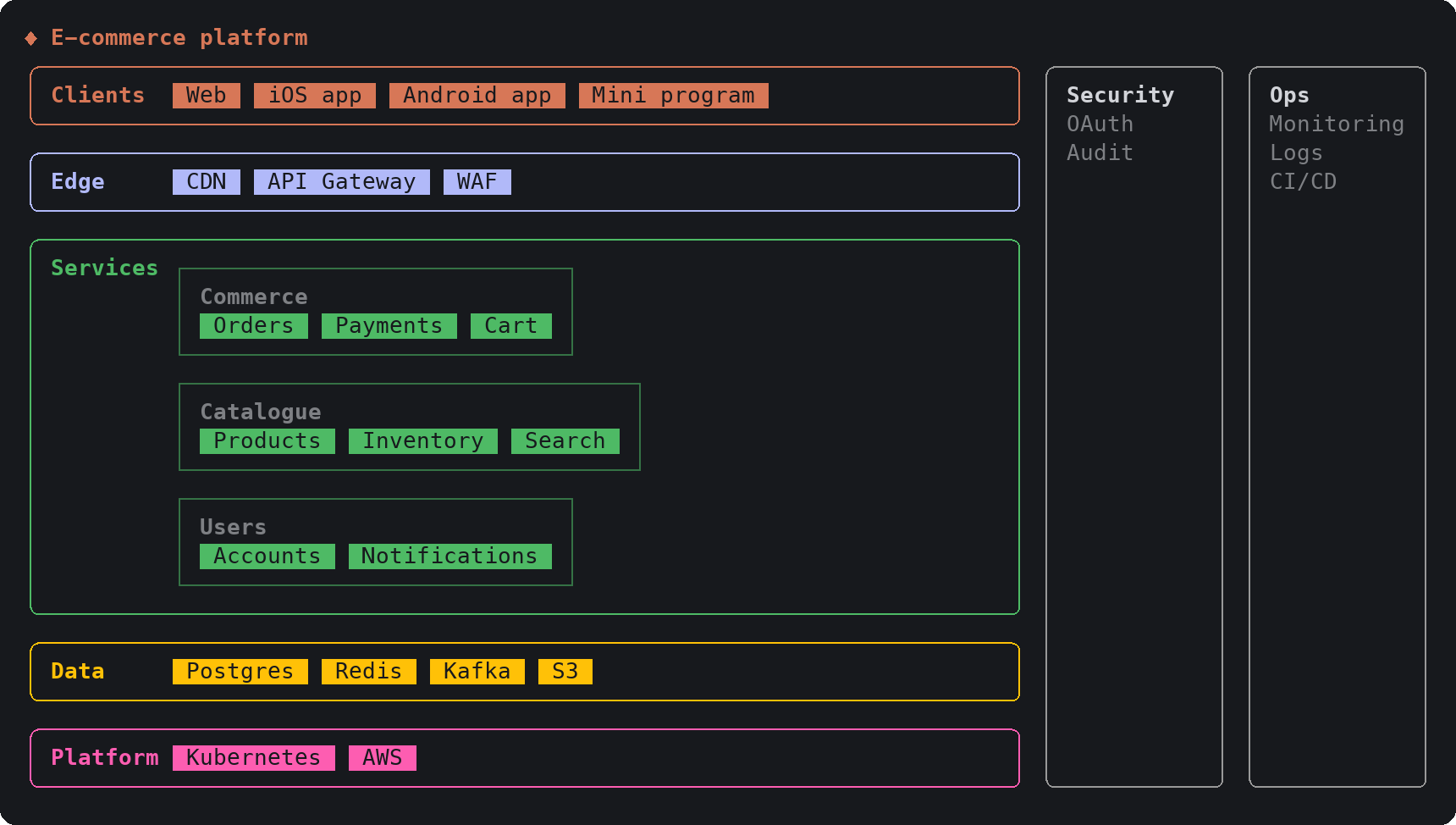
Image: sketch README.그림: sketch README.
SketchCraftSketchCraft
SketchCraft, a free MIT-licensed 3D modeler for houses, rooms and furniture that AI agents can also drive over MCP, limited to a workspace folderSketchCraft, 윤곽을 그려 끌어올리는 무료 MIT 3D 모델러, AI 에이전트도 작업 폴더 안에서 MCP로 같은 모델을 고친다
Checked확인일
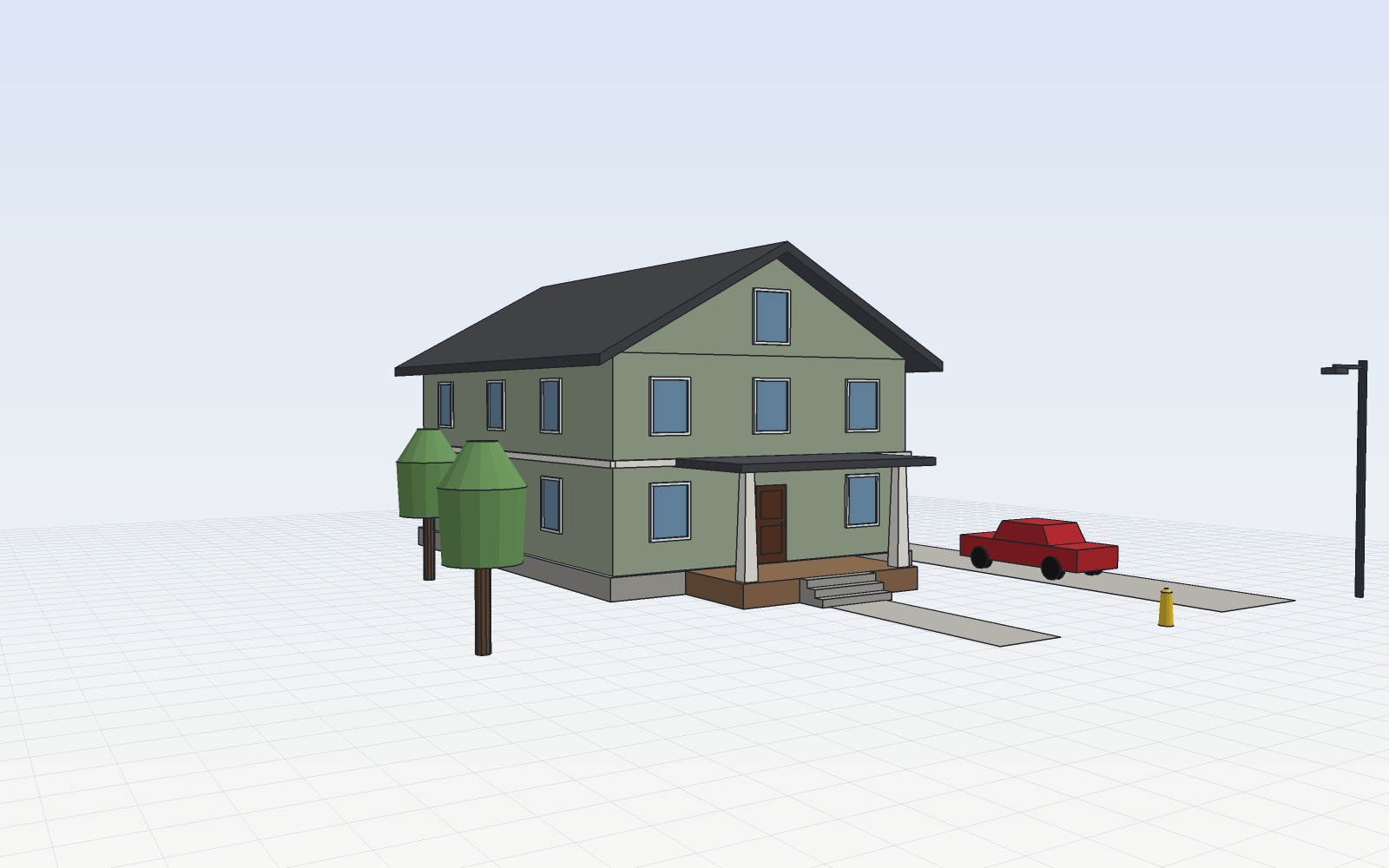
Image: SketchCraft README.그림: SketchCraft README.