HREN


Summarize, an MIT CLI and browser side panel that extracts and summarizes web pages, files, YouTube and podcasts, in version 0.26.0Summarize, 웹 페이지와 파일, YouTube, 팟캐스트를 뽑아 요약하는 MIT CLI이자 브라우저 옆 창의 0.26.0 버전
Summarize is an MIT open-source CLI and Chrome and Firefox extension that extracts and summarizes web pages, files, YouTube and podcasts. The npm package needs Node.js 24 or newer; extracting text works without an API key, while model summaries need a configured provider or an authenticated coding CLI. In 0.26.0 the browser chat's first question includes the whole article, and whisper.cpp transcription and security dependencies are fixed.Summarize는 웹 페이지, 파일, YouTube, 팟캐스트에서 글을 뽑아 요약하는 MIT 오픈소스 CLI이자 Chrome, Firefox 확장입니다. npm 설치에는 Node.js 24 이상이 필요하고, 글 뽑기는 API 키 없이 되며, 모델 요약에는 지원하는 제공사 설정이나 로그인한 코딩 CLI가 필요합니다. 0.26.0에서는 브라우저 채팅의 첫 질문에 글 전체가 들어가고, whisper.cpp 받아쓰기와 보안 의존성을 고쳤습니다.
- Checked확인일
Summarize is an MIT-licensed open-source tool that extracts clean text and produces summaries from web pages, files, YouTube videos, podcasts and other audio or video, and version 0.26.0 came out on November 5, 2026. It runs as a Node.js CLI or in the Chrome Side Panel and Firefox Sidebar. The npm package requires Node.js 24 or newer, while Homebrew's brew install summarize and the macOS archives on GitHub Releases provide standalone builds. On the browser side, the Summarize Side Panel extension installs from the Chrome Web Store. Native ffmpeg, yt-dlp and tesseract, installed separately, extend codec, YouTube slide and OCR support, while a bundled WebAssembly FFmpeg path covers common media without a native install.Summarize는 웹 페이지, 파일, YouTube 영상, 팟캐스트와 그 밖의 오디오나 영상에서 깨끗한 글을 뽑고 요약을 만드는 MIT 라이선스 오픈소스 도구이고, 2026년 11월 5일에 0.26.0 버전이 나왔습니다. Node.js CLI로 쓰거나 Chrome Side Panel과 Firefox Sidebar에서 씁니다. npm 패키지는 Node.js 24 이상이 있어야 하고, Homebrew의 brew install summarize와 GitHub Releases의 macOS 압축 파일은 따로 서는 빌드입니다. 브라우저 쪽은 Chrome 웹 스토어의 Summarize Side Panel 확장을 깝니다. codec과 YouTube 슬라이드, OCR을 넓히려면 ffmpeg, yt-dlp, tesseract를 따로 깔아야 하고, 흔한 미디어는 들어 있는 WebAssembly FFmpeg가 네이티브 설치 없이 다룹니다.
Extracting readable content works without an API key, while a model-generated summary needs a configured provider or an authenticated coding CLI. The options are API providers, OpenAI-compatible endpoints, Ollama, OpenRouter free models and coding CLIs such as Claude, Gemini, OpenClaw, GitHub Copilot and Grok, and the text you summarize goes to the model you pick. Settings live in ~/.summarize/config.json, and summarize status shows the effective setup without exposing keys. Transcription runs locally or in the cloud. The extension's Direct mode runs without a companion service; pairing the CLI with the token the extension shows lets the daemon add CLI model backends, native media tools, OCR, shared caches and Firefox media support. Version 0.26.0 also carries security fixes: node-forge in the browser tooling is updated for certificate, ASN.1, TLS and parsing advisories, and Undici, including the HTML extractor's HTTP client, sanitize-html and Markdown-it are updated, with discarded-iframe recursion now bounded.읽을 수 있는 글을 뽑는 일은 API 키 없이 되고, 모델이 쓰는 요약에는 지원하는 제공사 설정이나 로그인한 코딩 CLI가 필요합니다. 고를 수 있는 쪽은 API 제공사, OpenAI 호환 엔드포인트, Ollama, OpenRouter의 무료 모델과 Claude, Gemini, OpenClaw, GitHub Copilot, Grok 같은 코딩 CLI이고, 요약할 글은 그렇게 고른 모델로 넘어갑니다. 설정은 ~/.summarize/config.json에 두고 summarize status로 키를 드러내지 않은 채 지금 설정을 봅니다. 받아쓰기는 로컬이나 클라우드에서 합니다. 확장의 Direct 모드는 따로 도는 서비스 없이 돌고, 확장이 보여 주는 토큰으로 CLI와 짝지으면 daemon이 CLI 모델 백엔드, 네이티브 미디어 도구, OCR, 공유 캐시, Firefox 미디어 지원을 더합니다. 0.26.0에는 보안 고침도 들었습니다. 브라우저 도구의 node-forge를 올려 인증서, ASN.1, TLS, 파싱 권고를 고쳤고, HTML 추출기의 HTTP 클라이언트를 포함한 Undici와 sanitize-html, Markdown-it을 올리면서 버려진 iframe 재귀에 한계를 두었습니다.
The first change in 0.26.0 is the browser chat. Media previews are kept apart from the full source content, so the first question includes the whole article while transcript provenance and navigation safety are preserved. Follow-up questions and history reuse summaries already made, context extraction honors Browser media mode, and context errors return promptly to the pending chat request.0.26.0의 첫 고침은 브라우저 채팅입니다. 미디어 미리보기를 원문 전체와 따로 두어 첫 질문에 글 전체가 들어가고, 받아쓰기 출처와 이동 안전은 그대로 지킵니다. 이어지는 질문과 대화 기록은 이미 만든 요약을 다시 쓰고, 문맥을 뽑을 때 Browser 미디어 모드를 따르며, 문맥 오류는 기다리던 채팅 요청에 바로 돌려줍니다.
Transcription and media are fixed too. whisper.cpp keeps timestamp decoding on to preserve speech at 30-second window boundaries while still producing plain text, and configured environment variables and PATH now reach the whisper.cpp discovery and transcription processes. Direct MP4 downloads with unknown codec metadata are accepted, while known video-only formats are still rejected. For Antigravity, the cli.agy.model setting, previously ignored, is now honored, the cli/agy/ form followed by a model name is supported, and valid model settings are required.받아쓰기와 미디어도 고쳤습니다. whisper.cpp의 타임스탬프 디코딩을 켠 채로 두어 30초 구간 경계의 말소리를 살리면서 일반 텍스트 출력은 그대로 두고, 설정한 환경 변수와 PATH를 whisper.cpp를 찾고 받아쓰는 프로세스에 넘깁니다. codec 정보를 모르는 MP4도 바로 받아들이되, 영상만 있는 것으로 알려진 형식은 계속 거절합니다. Antigravity 쪽은 그동안 무시되던 cli.agy.model 설정을 따르고 cli/agy/ 뒤에 모델 이름을 붙인 꼴도 받으며, 모델 설정이 올발라야 합니다.
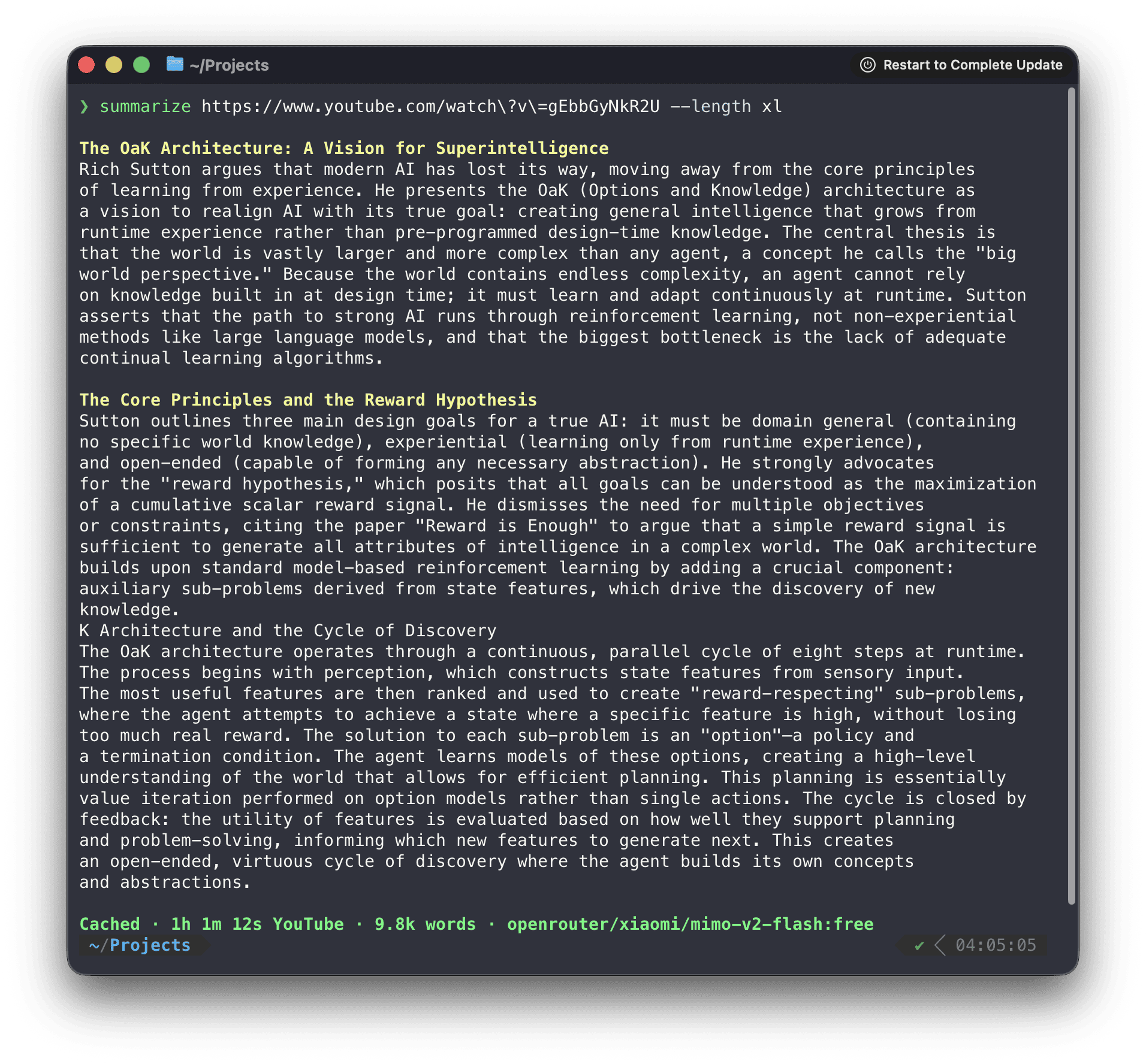
To start, install the CLI with npm or brew install summarize and pass summarize a link. --extract returns only clean content, --json gives a stable envelope for automation and --slides returns video frames, and YouTube and podcasts use published transcripts first. The README's CLI screenshot shows a long sectioned summary made from a YouTube talk link, with a closing line noting the cache, the video length, the word count and the OpenRouter free model used.시작은 npm이나 brew install summarize로 CLI를 깔고 summarize에 주소를 넘기는 것입니다. --extract는 깨끗한 글만, --json은 자동화용으로 안정된 꼴을, --slides는 영상 장면을 내고, YouTube와 팟캐스트는 공개된 자막부터 읽습니다. README의 CLI 화면에는 YouTube 강연 주소로 뽑은 긴 요약이 절마다 찍혔고, 끝 줄에 캐시 표시와 영상 길이, 단어 수, 쓴 OpenRouter 무료 모델 이름이 보입니다.
There are limits. The standalone builds on GitHub Releases are macOS arm64 and x64 archives, and Firefox media support and CLI model backends in the extension need the paired daemon.한계도 있습니다. GitHub Releases에 올라온 따로 서는 빌드는 macOS arm64, x64 압축 파일이고, 확장에서 Firefox 미디어 지원과 CLI 모델 백엔드를 쓰려면 daemon을 짝지어야 합니다.
Sources & references원문과 참고 자료
Keep reading더 읽기
All articles전체 글rust-anythingrust-anything
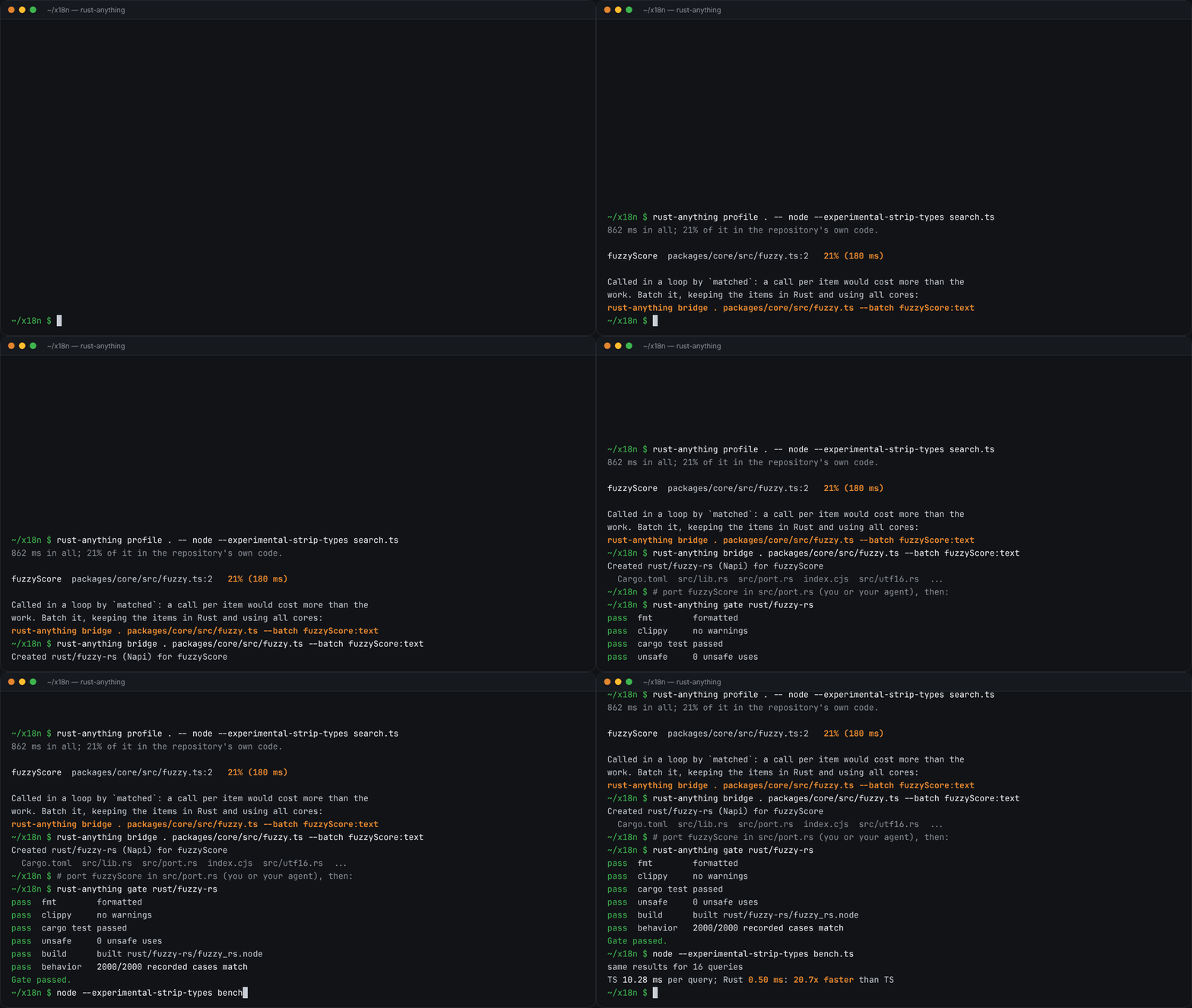
rust-anything, an MIT-licensed command-line tool that moves a Node.js, Python, C, Go, Ruby or Java app to Rust one piece at a time and checks each piece against recordings of the originalrust-anything, Node.js·Python·C·Go·Ruby·Java 앱을 한 조각씩 Rust로 옮기며 조각마다 원래 코드의 기록과 맞춰 보는 MIT License 명령줄 도구
Checked확인일
Image: rust-anything README.그림: rust-anything README.
sketchsketch
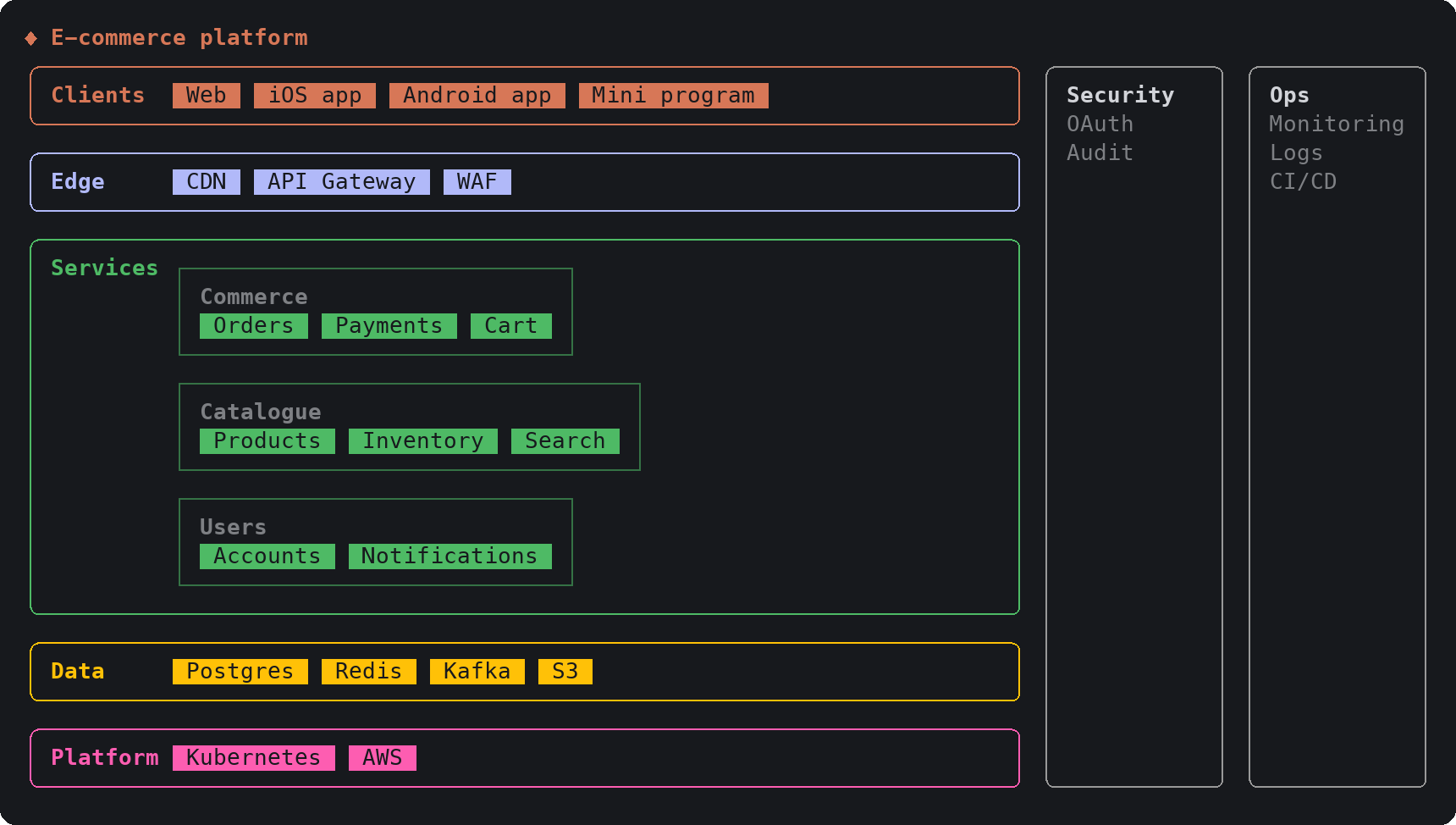
sketch, an MIT-licensed Claude Code plugin that answers with diagrams, roadmaps, wireframes and chart cards in the terminal instead of paragraphssketch, Claude Code의 답을 문단 대신 터미널 안 구조도와 로드맵, 화면 틀, 차트 카드로 그려 주는 MIT 플러그인
Checked확인일
Image: sketch README.그림: sketch README.
SketchCraftSketchCraft
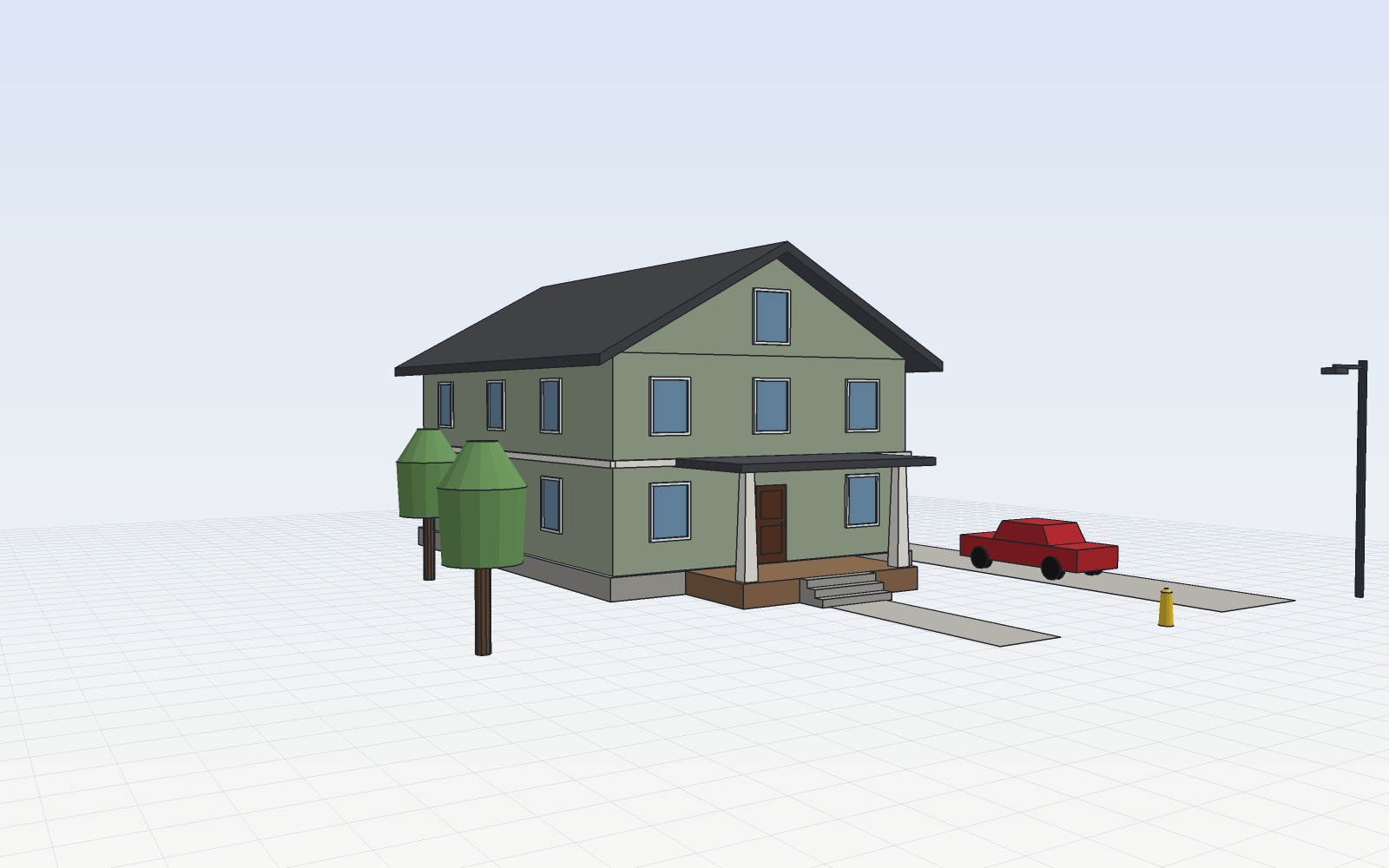
SketchCraft, a free MIT-licensed 3D modeler for houses, rooms and furniture that AI agents can also drive over MCP, limited to a workspace folderSketchCraft, 윤곽을 그려 끌어올리는 무료 MIT 3D 모델러, AI 에이전트도 작업 폴더 안에서 MCP로 같은 모델을 고친다
Checked확인일
Image: SketchCraft README.그림: SketchCraft README.