HREN


Cicada, an Apache 2.0 app for Mac, Windows, Linux and Android that adds live bilingual subtitles, meeting notes and interpreting to calls and streamsCicada, Mac, Windows, Linux, Android에서 통화와 방송 소리에 실시간 이중 언어 자막과 회의 노트, 통역을 붙이는 Apache 2.0 앱
Cicada is an Apache License 2.0 app that listens to the computer's system audio in meetings and streams to give live bilingual subtitles and meeting notes and sends the user's translated voice into the call, and the latest release when checked on November 15 was v1.10.1. On Apple silicon Macs speech recognition runs on the device and the recognized text goes out for translation and notes, while Intel Macs, Windows, Linux and Android need an AI service key and send audio in segments to Ling's Ming or the chosen service. The Mac app is not yet notarized by Apple.Cicada는 회의나 방송에서 컴퓨터의 시스템 소리를 듣고 실시간 이중 언어 자막과 회의 노트를 만들며 통역한 목소리를 통화에 내보내는 Apache License 2.0 앱이고, 11월 15일 확인 때 최신 릴리스는 v1.10.1입니다. Apple silicon Mac은 음성 인식을 기기 안에서 하고 인식한 글자를 번역과 노트용으로 내보내며, Intel Mac, Windows, Linux, Android는 AI 서비스 키가 있어야 하고 소리를 잘라 Ling의 Ming이나 고른 서비스로 보냅니다. Mac 앱은 아직 Apple 공증 전입니다.
- Checked확인일
Cicada is an Apache License 2.0 open-source app that listens to the computer's system audio in meetings and livestreams to give live bilingual subtitles and meeting notes, and when it is the user's turn to speak it sends a translated voice into the call. The latest release when checked on November 15 was v1.10.1, a version number all four platforms share. The Mac needs macOS 14.4 or later; on Apple silicon with macOS 14.4 to 15, Dictation has to be turned on in Keyboard settings first with the languages to be heard added, and Intel Macs use cloud recognition with a Ling key. The Mac app is not notarized by Apple yet, so a blocked first launch is opened through Open Anyway, and on macOS 14 and 15 turning on the mic listens to the room alone. The Mac app asks for a permission when the matching feature is used, and everything else works if it is declined: without system audio recording, subtitles and notes won't work, without the microphone it can't take speech to translate or listen to the room, and Input Monitoring, which detects the right Option key, is not asked for after switching to a Control or Command shortcut. Interpreting on a Mac switches the system microphone to BlackHole 2ch, a GPL virtual driver that is not bundled in the installer and is downloaded from its official URL when install is clicked; installing it asks for an administrator password once, and if that is declined, the other side can't hear interpreting. Windows 10 2004 or later installs it without admin rights, SmartScreen can block it, and interpreting there installs the free VB-Cable virtual microphone. Linux needs an Ubuntu 22.04 or 24.04 desktop, the notes window is visible in screen sharing, and saving meeting audio first needs third-party media formats such as ubuntu-restricted-extras for an AAC encoder. Android needs version 10 or later; call and meeting apps block internal audio capture, so the call goes on speaker and the app switches to In person, and on Android 15 and later restricted settings have to be allowed in App info the first time floating subtitles are turned on.Cicada는 회의나 방송에서 컴퓨터의 시스템 소리를 들어 실시간 이중 언어 자막과 회의 노트를 만들고, 말할 차례에는 통역한 목소리를 통화에 내보내는 Apache License 2.0 오픈소스 앱입니다. 11월 15일 확인 때 최신 릴리스는 네 플랫폼 공통 판 번호 v1.10.1입니다. Mac은 macOS 14.4 이상이 있어야 하고, macOS 14.4~15의 Apple silicon Mac은 먼저 키보드 설정에서 Dictation을 켜고 들을 언어를 더해야 하며, Intel Mac은 Ling 키로 클라우드 인식을 씁니다. Mac 앱은 아직 Apple 공증 전이라 첫 실행이 막히면 Open Anyway로 열고, macOS 14와 15에서는 마이크를 켜면 듣는 소리가 방 소리로 한정됩니다. Mac 앱은 권한을 그 기능을 쓸 때 묻고 허용하지 않아도 나머지는 그대로 되며, 시스템 오디오 녹음이 없으면 자막과 노트가, 마이크가 없으면 말로 통역하기와 방 소리 듣기가 안 되고, 오른쪽 Option 키를 알아채는 입력 모니터링은 Control이나 Command 단축키로 바꾸면 묻지 않습니다. Mac 통역은 시스템 마이크를 설치기에 없는 GPL 가상 드라이버 BlackHole 2ch로 바꾸며, 설치를 누를 때 공식 주소에서 받아 깔고 관리자 암호를 한 번 묻는데 허용하지 않으면 상대가 통역을 듣지 못합니다. Windows는 10 2004 이상에서 관리자 권한 없이 깔리지만 SmartScreen이 막을 수 있고, 통역에는 무료 VB-Cable 가상 마이크를 깝니다. Linux는 Ubuntu 22.04, 24.04 데스크톱이 있어야 하고 화면 공유 때 노트 창이 보이며, 회의 소리 저장에는 ubuntu-restricted-extras 같은 미디어 형식으로 AAC 인코더를 먼저 깔아야 합니다. Android는 10 이상이 있어야 하고 통화와 회의 앱이 내부 소리 녹음을 막아 통화를 스피커로 틀고 In person으로 바꾸며, Android 15 이상은 떠 있는 자막을 처음 켤 때 앱 정보에서 제한된 설정을 허용해야 합니다.
On Apple silicon Macs, recording and speech recognition run on the device and the recognized text is sent out for translation and notes; the lines spoken during interpreting with a Ling key, choosing Use Ling for Now and switching to a self-hosted service send audio to that service. Without a key, live subtitles, translation, meeting records and interpreting work for free, but live notes, one-step voice translation and voice cloning need a Ling API key, and the README puts the cost at roughly RMB 0.15 to 1 per hour of meetings, with Ling giving RMB 10 of free credit every month. After switching to OpenRouter, ZenMux, OpenAI or an OpenAI-compatible service, live notes and full-sentence translation still work, while one-step voice translation and voice cloning stay with Ling. Intel Macs, Windows, Linux and Android need an AI service key, run speech recognition in the cloud and send audio in segments to Ling's Ming or the chosen service, while recordings and meeting records stay on the device. The README says it goes online for translation through translate.googleapis.com, the configured AI service, the BlackHole driver download and a daily GitHub update check, and Share makes a link to the notes with an expiration time and password and blocks keys and other sensitive content before uploading. On the Mac, records and recordings are kept in ~/Library/Application Support/LiveSubs, and the README says to check with the person first before remembering a speaker's voice, with the voiceprint staying on that Mac.Apple silicon Mac은 녹음과 음성 인식을 기기 안에서 하고 인식한 글자를 번역과 노트용으로 내보내며, Ling 키로 통역할 때 하는 말, Use Ling for Now, 자체 호스팅 서비스로 바꾸면 소리가 그 서비스로 갑니다. 키가 없어도 자막, 번역, 회의 기록, 통역은 무료로 되지만 라이브 노트, 한 번에 하는 음성 번역, 목소리 복제에는 Ling API 키가 있어야 하고, README는 회의 한 시간에 0.15위안에서 1위안(RMB) 안팎이 들며 Ling이 다달이 10위안어치 무료 크레딧을 준다고 적습니다. OpenRouter, ZenMux, OpenAI나 OpenAI 호환 서비스로 바꿔도 라이브 노트와 문장 번역은 되지만, 한 번에 하는 음성 번역과 목소리 복제는 Ling이 아니면 되지 않습니다. Intel Mac, Windows, Linux, Android는 AI 서비스 키가 있어야 하고 음성 인식이 클라우드에서 돌아 소리를 잘라 Ling의 Ming이나 고른 서비스로 보내며, 녹음과 회의 기록은 기기에 남습니다. README는 인터넷을 번역용 translate.googleapis.com, 설정한 AI 서비스, BlackHole 드라이버 받기, 하루 한 번 GitHub 업데이트 확인에 쓴다고 적고, Share는 만료 시각과 암호가 붙은 노트 링크를 만들며 올리기 전에 키 같은 민감한 내용을 막습니다. Mac은 기록과 녹음을 ~/Library/Application Support/LiveSubs에 두며, 화자 기억 기능은 상대에게 먼저 묻도록 적혀 있고 그 목소리 정보는 그 Mac에 남습니다.
Holding the right Option key on a Mac or the right Ctrl key on Windows while speaking lets the other side hear the translated voice in the meeting app.Mac은 오른쪽 Option 키, Windows는 오른쪽 Ctrl 키를 누른 채 말하면 상대가 통화 앱에서 번역된 목소리를 듣습니다.
While it listens, it organizes a summary, topics and key points, conclusions, to-dos and a fishbone diagram.듣는 동안 요약, 주제와 요점, 결론, 할 일, 피시본 다이어그램이 정리됩니다.
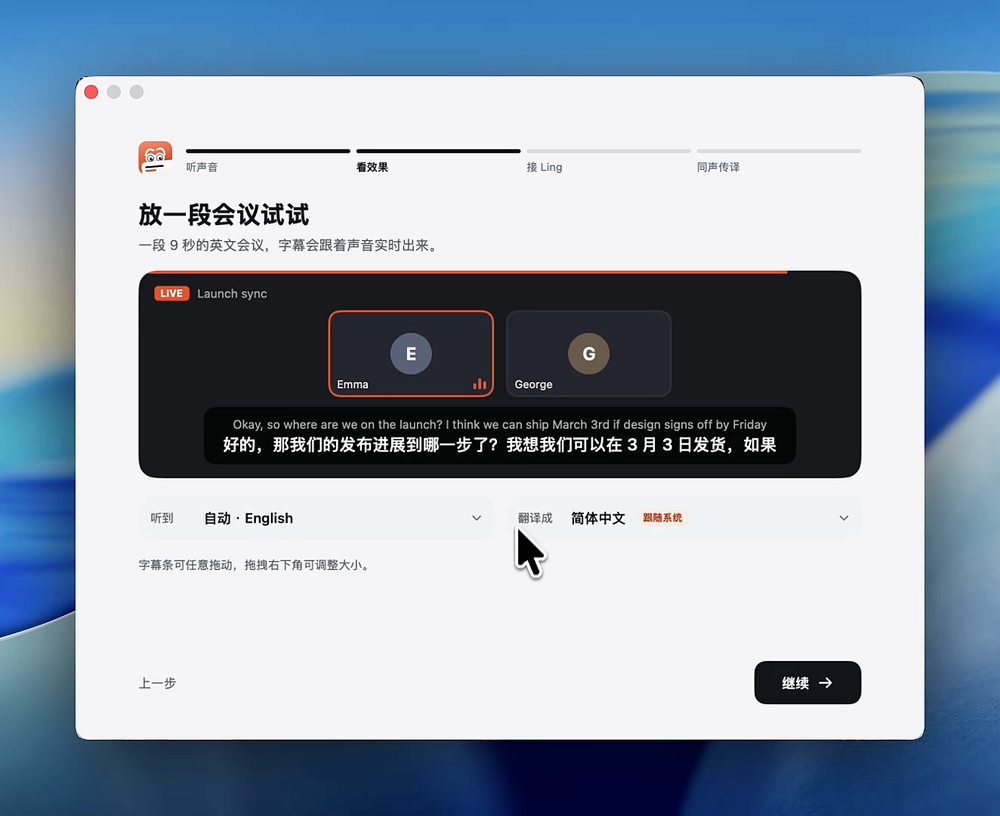
After the meeting, records export to Markdown, Word and SRT subtitles.회의 뒤 기록은 Markdown, Word, SRT 자막으로 내보냅니다.
Sources & references원문과 참고 자료
Keep reading더 읽기
All articles전체 글rust-anythingrust-anything
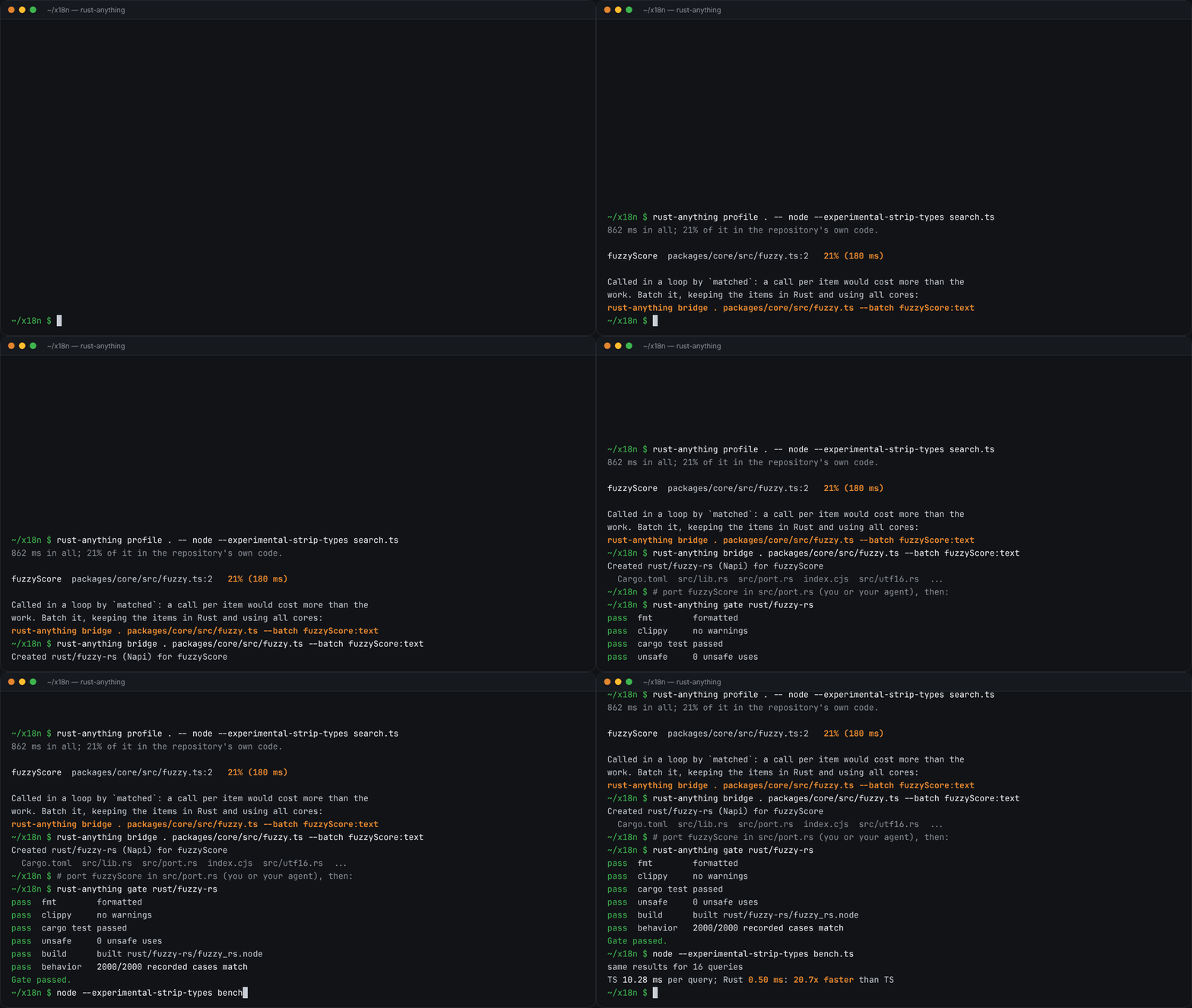
rust-anything, an MIT-licensed command-line tool that moves a Node.js, Python, C, Go, Ruby or Java app to Rust one piece at a time and checks each piece against recordings of the originalrust-anything, Node.js·Python·C·Go·Ruby·Java 앱을 한 조각씩 Rust로 옮기며 조각마다 원래 코드의 기록과 맞춰 보는 MIT License 명령줄 도구
Checked확인일
Image: rust-anything README.그림: rust-anything README.
sketchsketch
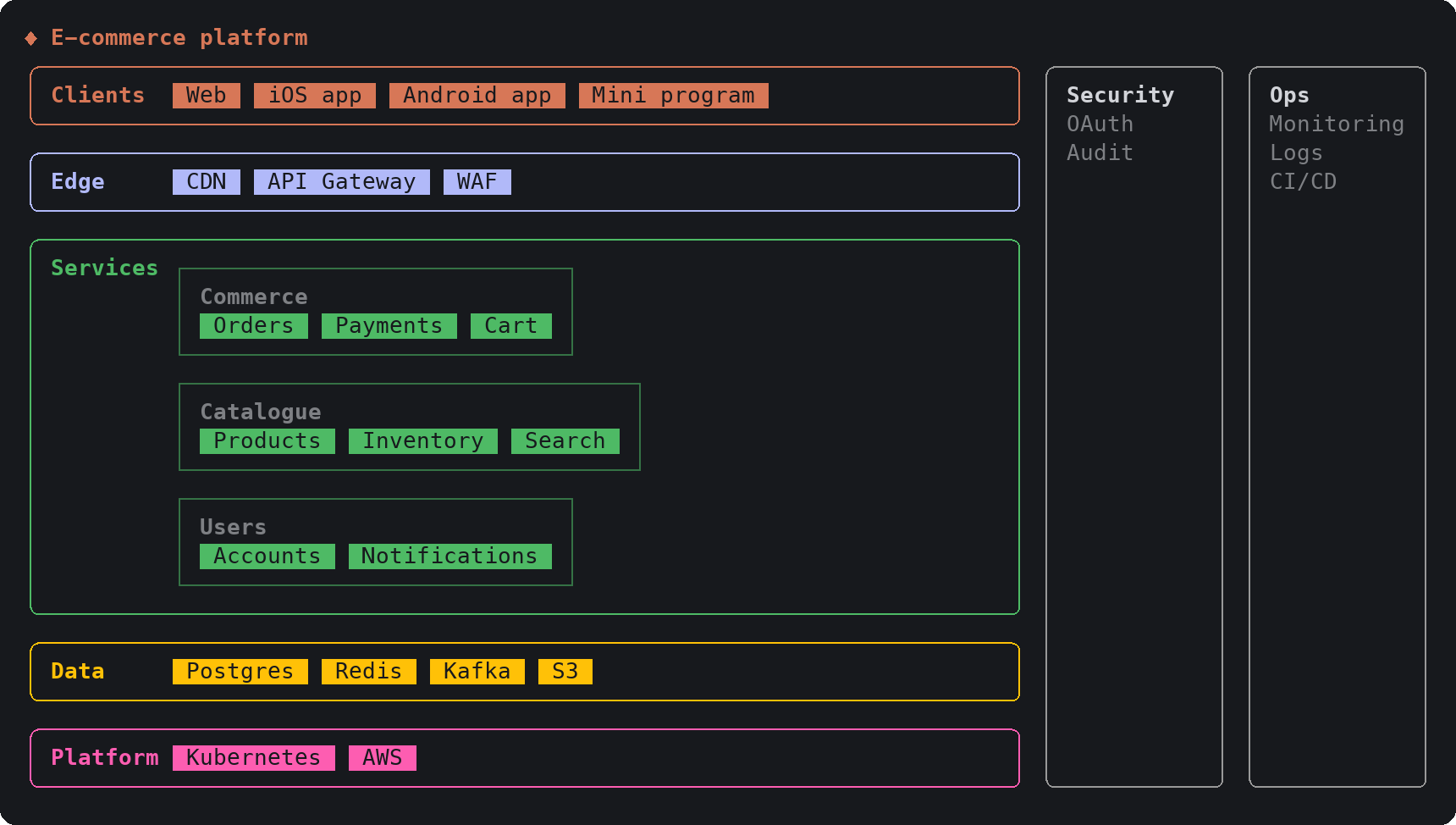
sketch, an MIT-licensed Claude Code plugin that answers with diagrams, roadmaps, wireframes and chart cards in the terminal instead of paragraphssketch, Claude Code의 답을 문단 대신 터미널 안 구조도와 로드맵, 화면 틀, 차트 카드로 그려 주는 MIT 플러그인
Checked확인일
Image: sketch README.그림: sketch README.
SketchCraftSketchCraft
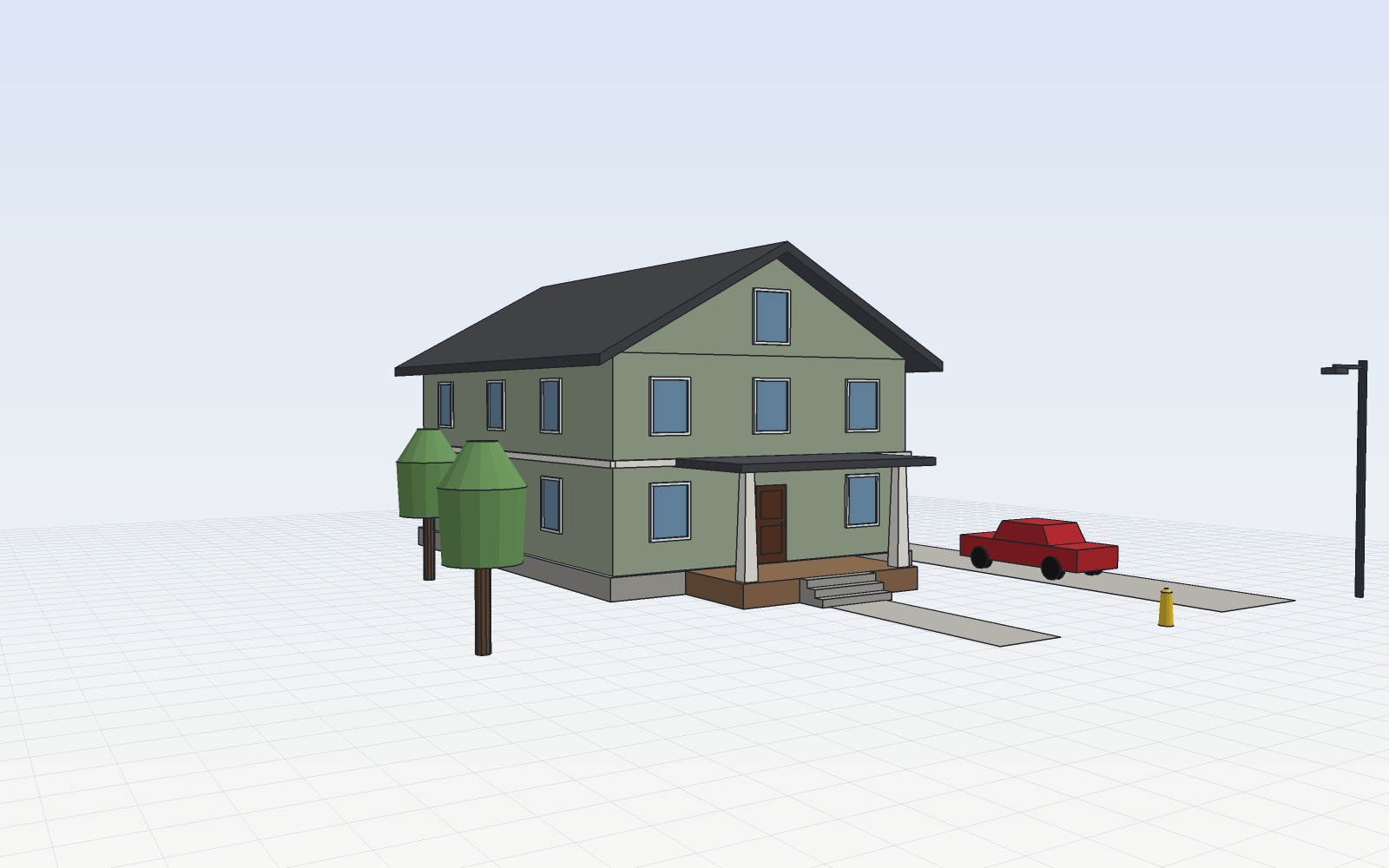
SketchCraft, a free MIT-licensed 3D modeler for houses, rooms and furniture that AI agents can also drive over MCP, limited to a workspace folderSketchCraft, 윤곽을 그려 끌어올리는 무료 MIT 3D 모델러, AI 에이전트도 작업 폴더 안에서 MCP로 같은 모델을 고친다
Checked확인일
Image: SketchCraft README.그림: SketchCraft README.