HREN


tvclaude, an MIT terminal desktop that opens several Claude Code sessions as Turbo Vision windows and shows each session's state from Claude Code hookstvclaude, Claude Code 세션 여럿을 Turbo Vision 창으로 띄우고 훅으로 받은 상태를 창 제목에 보이는 MIT 터미널 도구
tvclaude is an MIT open-source terminal tool that opens several Claude Code sessions as windows on a blue DOS-style Turbo Vision desktop and shows each session's state, reported through Claude Code hooks, in the window title and the menu bar. When checked on November 15 it had no GitHub release, so it is built from the repository with CMake and needs a C++14 compiler, libncursesw, Perl and Claude Code on the PATH. The README does not list supported operating systems, and tvclaude leaves the user's own Claude Code settings unchanged while writing a theme file and a saved desktop file under the home folder.tvclaude는 Claude Code 세션 여러 개를 Turbo Vision의 파란 DOS 꼴 데스크톱에 창으로 띄우고, Claude Code 훅으로 받은 세션 상태를 창 제목과 메뉴 줄에 보여 주는 MIT 오픈소스 터미널 도구입니다. 11월 15일 확인 때 GitHub 릴리스가 없어 저장소를 받아 CMake로 빌드하며, C++14 컴파일러, libncursesw, Perl, PATH에 있는 Claude Code가 있어야 합니다. README는 지원 운영체제를 따로 적지 않고, 사용자의 Claude Code 설정은 바꾸지 않은 채 테마 파일과 데스크톱 저장 파일을 홈 폴더 아래에 씁니다.
- Checked확인일
tvclaude is an MIT-licensed open-source terminal tool that opens several Claude Code sessions as windows on a blue DOS-style Turbo Vision desktop, and it is a fork of tvterm, magiblot's terminal emulator. When checked on November 15 it had no GitHub release, so it is cloned with git clone --recursive and built with CMake; it needs CMake, a C++14 compiler, libncursesw, Perl for the bundled libvterm and Claude Code on the PATH, with libgpm (Linux) optional. The README does not list supported operating systems, and its dtach install examples use pacman, apt and brew.tvclaude는 Claude Code 세션 여러 개를 Turbo Vision의 파란 DOS 꼴 데스크톱에 창으로 띄우는 MIT 라이선스 오픈소스 터미널 도구로, magiblot의 터미널 에뮬레이터 tvterm을 포크한 것입니다. 11월 15일 확인 때 GitHub 릴리스는 없어 저장소를 git clone --recursive로 받아 CMake로 빌드해 쓰며, CMake, C++14 컴파일러, libncursesw, 번들 libvterm을 위한 Perl, PATH에 있는 Claude Code가 있어야 하고 libgpm(Linux)은 골라 넣습니다. README는 지원 운영체제를 따로 적지 않고, dtach 설치 예로 pacman, apt, brew 명령을 듭니다.
Each session runs claude with a JSON settings value passed to --settings and with --plugin-dir plugin/. Those settings select the tvclaude theme and add hooks that write the session's state to a file under $XDG_RUNTIME_DIR, and tvclaude polls those files. The README says nothing in the user's own Claude Code settings changes; on start tvclaude writes the theme to ~/.claude/themes/tvclaude.json, and it saves every workspace and window, with folder, place, number and Claude conversation, to ~/.config/tvclaude/desktop every few seconds and on exit. Claude items such as Model and Permissions in the Options menu type their slash command into the Claude window in front, and every key the desktop does not keep goes to the session in the front window.세션마다 claude가 --settings로 넘긴 JSON 설정과 --plugin-dir plugin/을 붙여 돕니다. 그 설정은 tvclaude 테마를 고르고 세션 상태를 $XDG_RUNTIME_DIR 아래 파일에 쓰는 훅을 더하며, tvclaude가 그 파일을 읽어 갑니다. README는 사용자의 Claude Code 설정은 바뀌지 않는다고 적고, tvclaude는 시작할 때 테마를 ~/.claude/themes/tvclaude.json에 쓰며 워크스페이스와 창마다 폴더, 자리, 번호, Claude 대화를 몇 초마다와 끝낼 때 ~/.config/tvclaude/desktop에 저장합니다. Options 메뉴의 Model, Permissions 같은 Claude 항목은 맨 앞 Claude 창에 그 슬래시 명령을 쳐 넣고, 데스크톱이 쓰는 키 밖의 입력은 모두 맨 앞 창의 세션으로 갑니다.
Each session gets its own window, and windows can be tiled, cascaded, zoomed (F5), cycled (F6), closed (Alt-F3) or reached with Alt-1 to Alt-9. The state reported through the hooks shows in the window title as working, needs you, done or idle, the menu bar counts it, the Session List (Alt-0) lists every session, and F8 jumps to the next session that needs the user. A window is named after the folder Claude is working in, workspaces split windows into separate desktops such as one per project, and sessions in a hidden workspace keep running.세션마다 창이 하나씩 열리고, 창은 타일, 캐스케이드, 확대(F5), 다음 창(F6), 닫기(Alt-F3)와 Alt-1부터 Alt-9까지로 다룹니다. 훅으로 받은 상태는 작업 중, 사용자를 기다림, 끝남, 대기로 창 제목에 보이고, 메뉴 줄이 그 수를 세며, Session List(Alt-0)가 모든 세션을 보이고 F8은 사용자를 기다리는 다음 세션으로 넘어갑니다. 창 이름은 Claude가 일하는 폴더를 따르고, 워크스페이스로 프로젝트마다 창 묶음을 나누며 가려진 워크스페이스의 세션도 계속 돕니다.
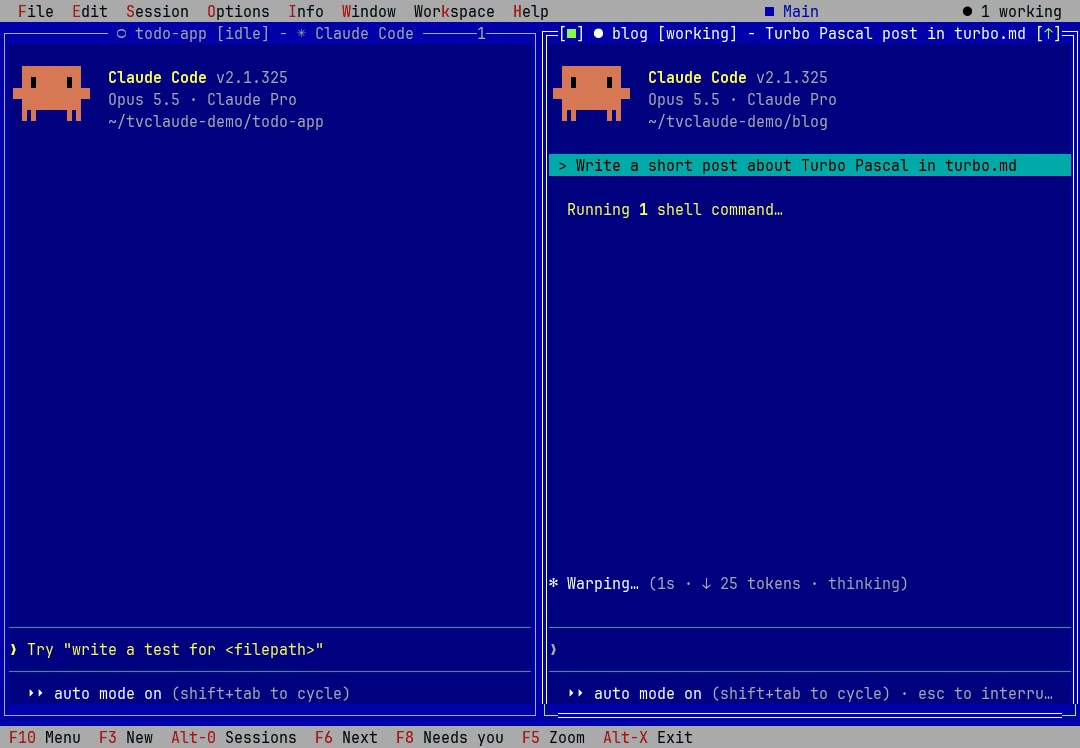
In the cloned folder, cmake . -B ./build -DCMAKE_BUILD_TYPE=Release and cmake --build ./build build it, and ./build/tvclaude runs it. When run with no folders, it opens the saved desktop or one session in the current folder; given several folders, it opens one tiled session per folder. Saved windows reopen with each conversation resumed through claude --resume, F3 asks for a folder and opens a new session, and Resume in the File menu lists the 9 most recent Claude conversations by title, folder and age.받은 폴더에서 cmake . -B ./build -DCMAKE_BUILD_TYPE=Release와 cmake --build ./build로 빌드한 뒤 ./build/tvclaude를 돌립니다. 폴더 없이 돌리면 저장된 데스크톱이나 그 자리의 세션 하나가 열리고, 폴더를 여럿 주면 폴더마다 세션이 하나씩 타일로 열립니다. 저장된 창은 창마다 claude --resume으로 대화를 이어 다시 열리고, F3은 폴더를 물어 새 세션을 열며 File 메뉴의 Resume은 최근 Claude 대화 9개를 제목, 폴더, 지난 시간으로 보입니다.
With dtach installed, tvclaude starts itself under it, so closing the terminal or choosing Detach in the File menu leaves every session running, and running tvclaude again brings the desktop back, ignoring any folders given then. Starting it again while it runs reattaches to the existing desktop rather than starting a new build, so after rebuilding it has to be quit for real first. Exit (Alt-X) with sessions open asks whether to keep them running or quit them all, and --no-dtach runs tvclaude without dtach. The license is MIT, as for tvterm.dtach가 깔려 있으면 tvclaude는 그 아래에서 시작해, 터미널을 닫거나 File 메뉴의 Detach를 골라도 세션은 계속 돌고 tvclaude를 다시 돌리면 데스크톱이 돌아오며 이때 준 폴더는 무시됩니다. 돌고 있는 동안 다시 시작하면 새 빌드가 아니라 기존 데스크톱에 다시 붙으므로, 다시 빌드한 뒤에는 먼저 완전히 끝내야 합니다. 세션이 열린 채 Exit(Alt-X)를 누르면 계속 돌릴지 모두 끝낼지 묻고, --no-dtach는 dtach 없이 돌립니다. 라이선스는 tvterm과 같은 MIT입니다.
Sources & references원문과 참고 자료
Keep reading더 읽기
All articles전체 글rust-anythingrust-anything
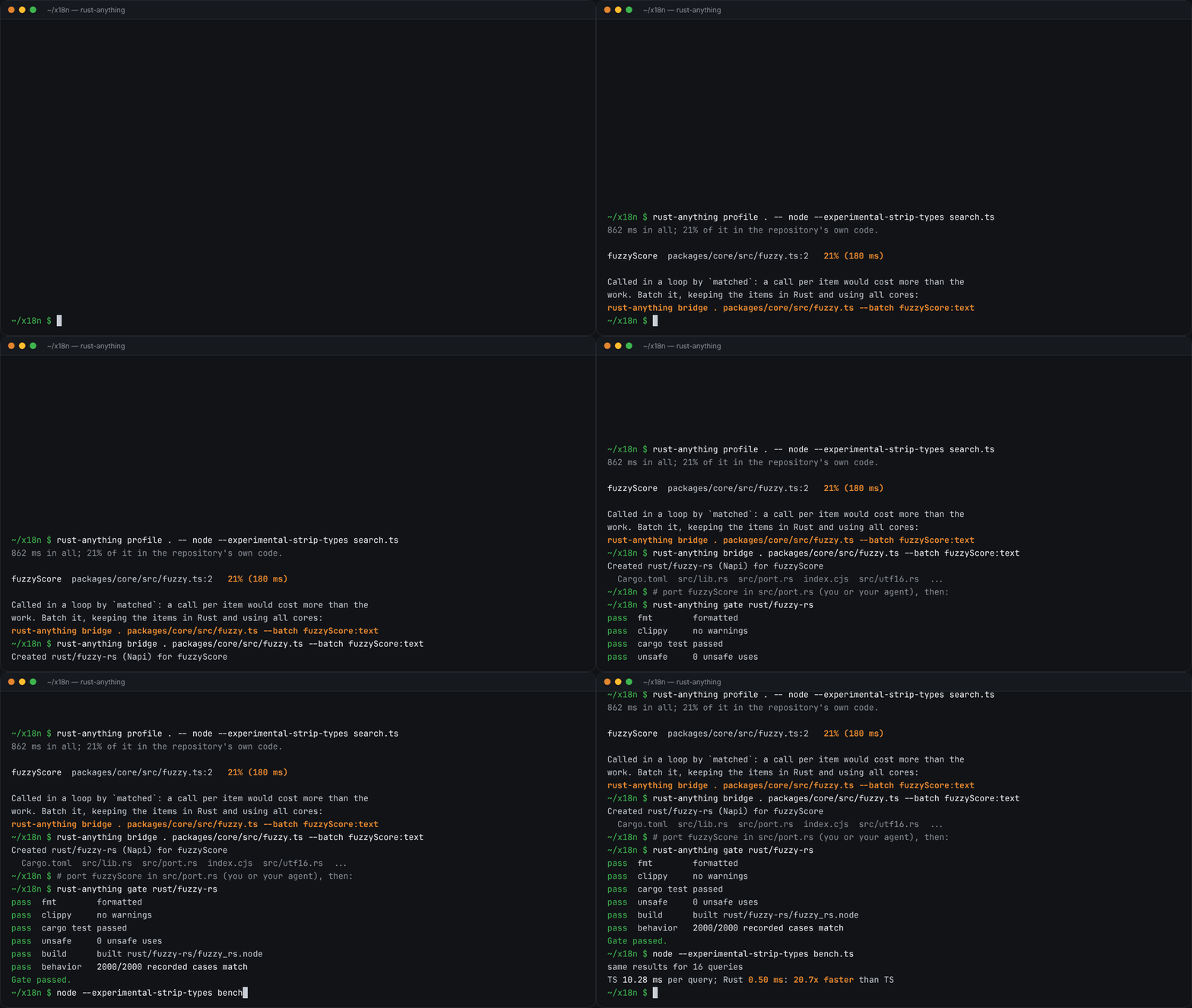
rust-anything, an MIT-licensed command-line tool that moves a Node.js, Python, C, Go, Ruby or Java app to Rust one piece at a time and checks each piece against recordings of the originalrust-anything, Node.js·Python·C·Go·Ruby·Java 앱을 한 조각씩 Rust로 옮기며 조각마다 원래 코드의 기록과 맞춰 보는 MIT License 명령줄 도구
Checked확인일
Image: rust-anything README.그림: rust-anything README.
sketchsketch
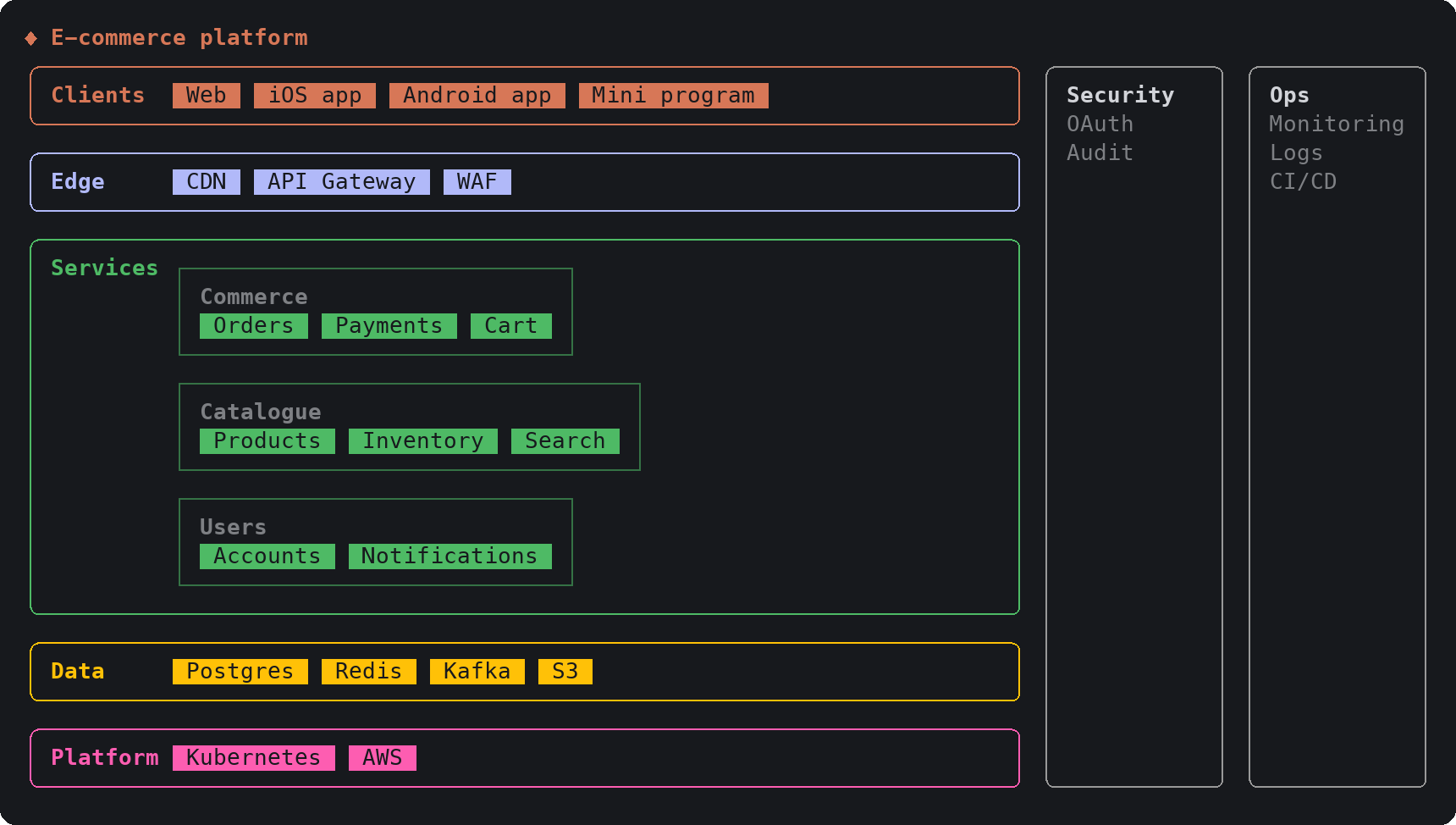
sketch, an MIT-licensed Claude Code plugin that answers with diagrams, roadmaps, wireframes and chart cards in the terminal instead of paragraphssketch, Claude Code의 답을 문단 대신 터미널 안 구조도와 로드맵, 화면 틀, 차트 카드로 그려 주는 MIT 플러그인
Checked확인일
Image: sketch README.그림: sketch README.
SketchCraftSketchCraft
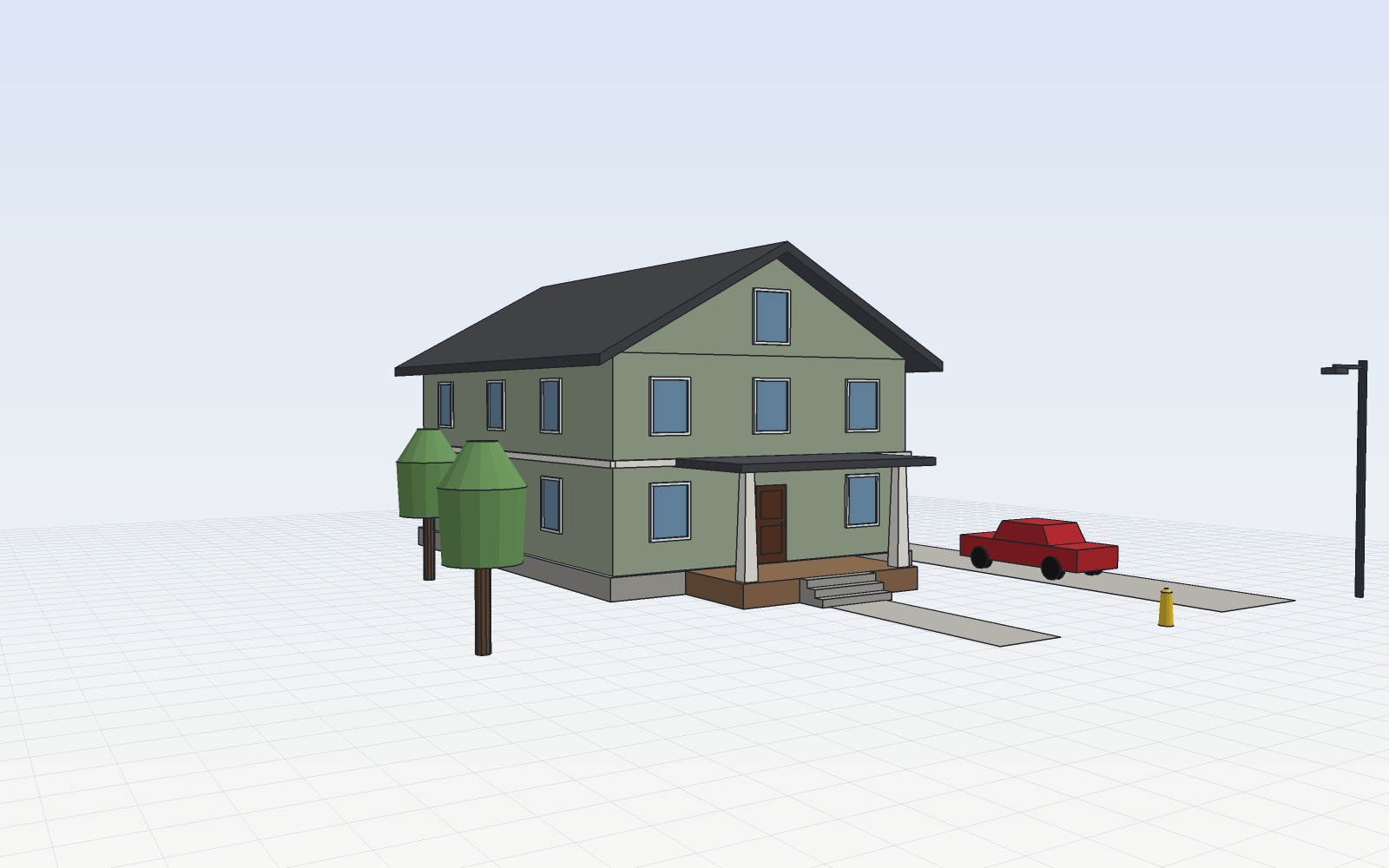
SketchCraft, a free MIT-licensed 3D modeler for houses, rooms and furniture that AI agents can also drive over MCP, limited to a workspace folderSketchCraft, 윤곽을 그려 끌어올리는 무료 MIT 3D 모델러, AI 에이전트도 작업 폴더 안에서 MCP로 같은 모델을 고친다
Checked확인일
Image: SketchCraft README.그림: SketchCraft README.