HREN


ClamDown, an Apache-2.0 macOS menu bar app that keeps coding agents working on a MacBook with the lid closed and watches battery, heat and fansClamDown, MacBook 덮개를 닫아도 코딩 에이전트가 계속 일하게 하고 배터리 · 열 · 팬을 지키는 Apache-2.0 macOS 메뉴 막대 앱
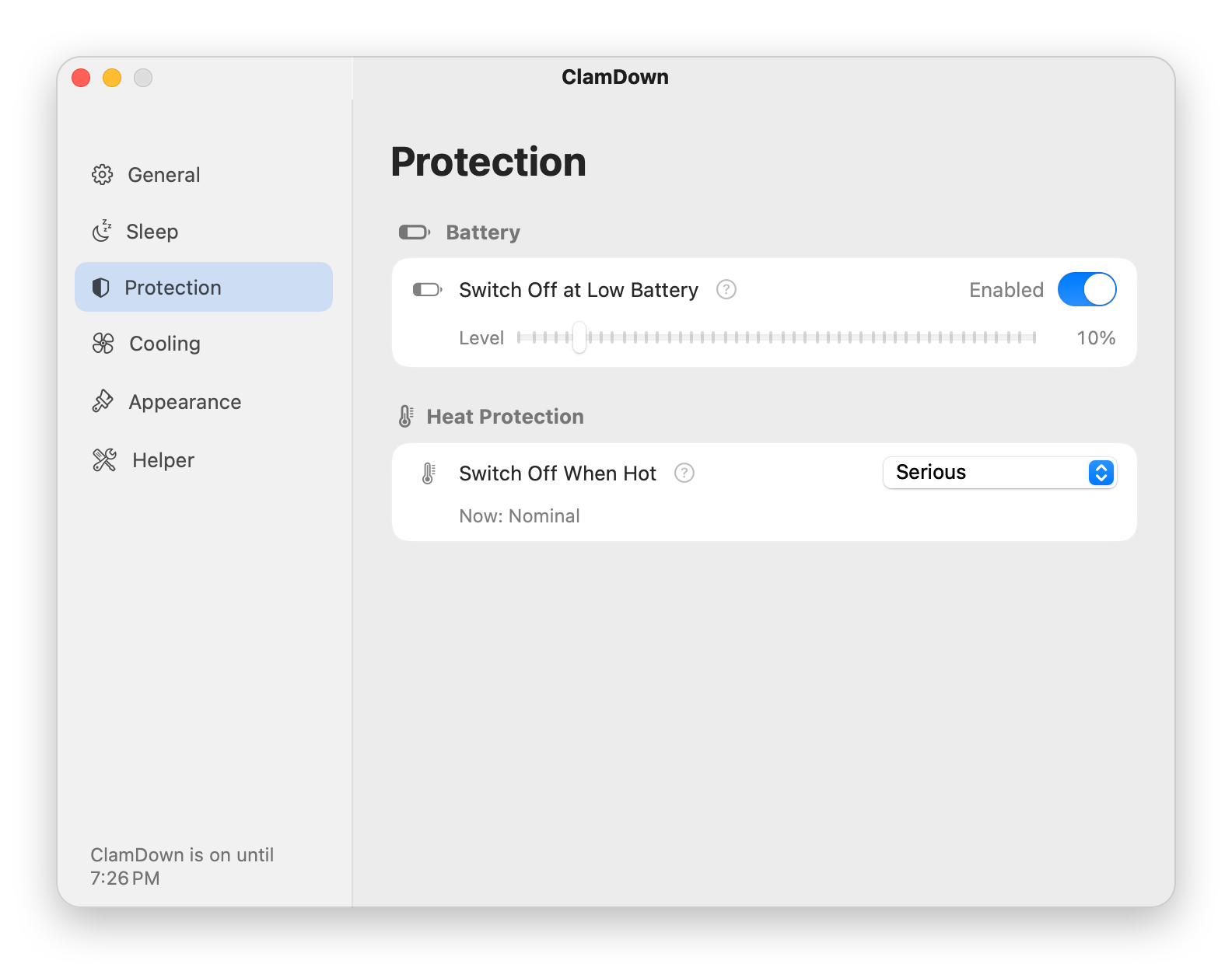
ClamDown is an Apache License 2.0 menu bar app that keeps coding agents working on a MacBook with the lid closed; it needs macOS 13 or later, fan control needs Apple Silicon, and the first run asks to allow a root helper that changes sleep settings and drives the fans. It switches itself off and lets the Mac sleep when the battery falls to the cut-off (default 10%) while running on battery, or when the thermal state reaches the cut-off (default serious), and with the mode on, closing the lid locks the screen by default.ClamDown은 MacBook 덮개를 닫아도 코딩 에이전트가 계속 일하게 하는 Apache License 2.0 메뉴 막대 앱으로 macOS 13 이상에서 쓰고 팬 조절은 Apple Silicon만 되며, 처음에 잠자기 설정과 팬을 바꾸는 root helper를 허락해야 합니다. 배터리로 돌 때만 걸리는 배터리 끊는 값(기본 10%)에 닿거나 열 상태가 끊는 값(기본 serious)에 닿으면 스스로 꺼지고 Mac이 잠들 수 있게 하며, 모드가 켜진 동안 덮개를 닫으면 화면이 기본으로 잠깁니다.
- Checked확인일
ClamDown is a free, open-source menu bar app that keeps coding agents such as Claude Code working on a MacBook with the lid closed, on the user's own machine. It is under Apache License 2.0, so whoever redistributes it must give recipients a copy of the license, it comes with no warranty, and the app bundles Sparkle under the MIT license. It is a universal app for Apple Silicon and Intel Macs on macOS 13 or later, but fan control needs Apple Silicon, on an Intel Mac the Cooling page only shows the readings, and it was verified on Apple Silicon. It is installed from the notarized ClamDown.dmg, and the first launch asks to allow a root helper that changes sleep settings and drives the fans. The helper can only keep the Mac from sleeping or let it sleep again, turn Low Power Mode on or off for the battery profile, read both values, read the temperature sensors and fans, and set fan speeds within each fan's own range while the mode is on, and it accepts connections only from the signed ClamDown app with the same Team ID and bundle identifier. If the fans stay at a fixed speed after the app is removed, the Mac needs a restart, and if after removal the Mac refuses to sleep or Low Power Mode is wrong, those two have to be put back by hand.ClamDown은 MacBook 덮개를 닫아도 Claude Code 같은 코딩 에이전트가 자기 기계에서 계속 일하게 하는 무료 오픈 소스 메뉴 막대 앱입니다. Apache License 2.0이라 다시 나누는 쪽은 받는 사람에게 라이선스 사본을 주어야 하고 보증은 없으며, 앱에는 MIT license인 Sparkle이 들어 있습니다. macOS 13 이상에서 Apple Silicon과 Intel Mac을 함께 받는 universal 앱이지만 팬 조절에는 Apple Silicon이 있어야 하고 Intel Mac의 Cooling 쪽은 읽은 값만 보여 주며, 확인은 Apple Silicon에서 했습니다. 공증된 ClamDown.dmg로 깔고, 처음 띄우면 잠자기 설정을 바꾸고 팬을 모는 root helper를 허락해야 합니다. helper가 할 수 있는 일은 잠들지 않게 하거나 다시 잠들게 하기, 배터리 프로필의 Low Power Mode 켜고 끄기, 그 두 값과 온도 센서, 팬 읽기, 모드가 켜진 동안 팬마다 정해진 범위 안에서 속도 맞추기이고, 같은 Team ID와 bundle identifier로 서명된 ClamDown 앱의 연결만 받습니다. 앱을 지운 뒤 팬이 고정 속도로 남으면 Mac을 다시 시작해야 하고, 지운 뒤 Mac이 잠들지 않거나 Low Power Mode가 잘못 남으면 그 둘은 손으로 되돌려야 합니다.
Once a day the app checks GitHub for a new version by downloading the appcast.xml release feed from GitHub Releases, sends nothing about the user or the Mac, asks before installing, and every update must carry an EdDSA signature from the ClamDown release key; version 0.1.0 has no updater, so a newer release has to be installed by hand once. With the mode on, closing the lid locks the screen by default, but with Lock Screen When Closed turned off, opening the lid goes straight back to an unlocked session. It switches itself off and lets the Mac sleep when the battery falls to the cut-off (default 10%, adjustable from 5 to 50% or off) while running on battery, so a charging Mac at 5% stays awake and a Mac without a battery has no battery rule, when the system thermal state reaches the cut-off (default serious), when the power adapter is unplugged (off by default) or when the timer of 30 minutes to 8 hours ends. After a battery or heat switch-off it puts the Mac to sleep (a setting, on by default) when the lid is closed, no external display is connected and the keyboard and pointer have been still for a minute, and it leaves the Mac alone when the lid is open, a display is connected or someone has just typed. While the mode is on, the app sends the helper a heartbeat about every 30 seconds; if the heartbeat stops for about 90 seconds or the app quits or crashes, the helper puts sleep, Low Power Mode and the fans back as they were by itself, and if the lid is then closed and the keyboard and pointer have been still for a minute, it also puts the Mac to sleep, stopping when someone opens the lid or after five minutes.업데이트는 하루 한 번 GitHub Releases에서 appcast.xml을 받아 확인하고 사용자나 Mac에 관한 것은 보내지 않으며, 깔기 전에 묻고 ClamDown 릴리스 키의 EdDSA 서명이 있어야 하는데, 0.1.0에는 업데이트 기능이 없어 새 판을 한 번 손으로 깔아야 합니다. 모드가 켜진 동안 덮개를 닫으면 화면이 기본으로 잠기지만 Lock Screen When Closed를 끄면 덮개를 열 때 잠기지 않은 세션으로 바로 돌아옵니다. 배터리로 돌 때 배터리가 끊는 값(기본 10%, 5–50% 또는 끔)까지 떨어지거나(충전 중인 5% Mac은 깨어 있고 배터리 없는 Mac에는 이 규칙이 없음), 시스템 열 상태가 끊는 값(기본 serious)에 닿거나, 전원 어댑터가 빠지거나(기본으로 꺼진 설정), 타이머(30분에서 8시간)가 끝나면 스스로 꺼지고 Mac이 잠들 수 있게 합니다. 배터리나 열로 꺼진 뒤에는 덮개가 닫혀 있고 외부 화면이 없고 키보드와 포인터가 1분 동안 멈춰 있을 때 Mac을 재우고(기본으로 켜진 설정), 덮개가 열렸거나 화면이 이어졌거나 방금 누가 입력했으면 그대로 둡니다. 모드가 켜진 동안 앱은 약 30초마다 helper에 신호를 보내고, 신호가 약 90초 끊기거나 앱이 끝나거나 멈추면 helper가 잠자기, Low Power Mode, 팬을 혼자 원래대로 돌려놓으며, 그 뒤 덮개가 닫혀 있고 키보드와 포인터가 1분 멈춰 있으면 Mac을 재우되 덮개가 열리거나 5분이 지나면 그칩니다.
One switch in the menu bar turns it on, and while it is on, closing the lid does not sleep the Mac, so running processes and network connections carry on. While the mode is on and the lid is closed, ClamDown on Apple Silicon drives the fans from the CPU temperature (a setting, on by default) along a curve with the lowest speed up to 50 °C and full speed at 75 °C, both of them settings. Only With Lid Closed, on by default, hands the fans back to macOS while the lid is open.메뉴 막대의 스위치 하나로 켜고, 켜진 동안 덮개를 닫아도 Mac이 잠들지 않아 실행 중인 프로세스와 네트워크 연결이 이어집니다. ClamDown은 모드가 켜지고 덮개가 닫힌 동안 Apple Silicon에서 CPU 온도에 따라 곡선으로 팬을 올리며(기본으로 켜진 설정) 50 °C까지 가장 낮은 속도, 75 °C에서 최고 속도이고 두 점 다 설정입니다. 기본으로 켜진 Only With Lid Closed는 덮개가 열린 동안 팬을 macOS에 돌려줍니다.
On battery it switches on Low Power Mode for the battery profile (a setting, on by default) and puts the previous value back when it switches off.배터리로 돌 때는 배터리 프로필의 Low Power Mode를 켜고(기본으로 켜진 설정) 꺼질 때 앞 값을 되돌립니다.
Apache License 2.0 allows reproducing it, preparing derivative works of it, publicly displaying it and distributing it.Apache License 2.0이라 복제, 2차 저작물 만들기, 공개 표시, 다시 나누기를 할 수 있습니다.
The README notes that macOS ignores the power assertion held by keep-awake apps and caffeinate the moment the lid closes, unless an external display and power are connected, and that a dummy display plug or an external monitor keeps the Mac in clamshell mode only while it is plugged in, with no battery, heat or fan safeguards.README는 keep-awake 앱과 caffeinate가 거는 power assertion을 macOS가 덮개를 닫는 순간 무시한다고 적고(외부 화면과 전원이 이어진 때는 예외), 더미 화면 플러그나 외부 모니터는 이어진 동안에만 clamshell 모드를 지키고 배터리, 열, 팬 보호는 없다고 밝힙니다.
Sources & references원문과 참고 자료
Keep reading더 읽기
All articles전체 글rust-anythingrust-anything
rust-anything, an MIT-licensed command-line tool that moves a Node.js, Python, C, Go, Ruby or Java app to Rust one piece at a time and checks each piece against recordings of the originalrust-anything, Node.js·Python·C·Go·Ruby·Java 앱을 한 조각씩 Rust로 옮기며 조각마다 원래 코드의 기록과 맞춰 보는 MIT License 명령줄 도구
Checked확인일
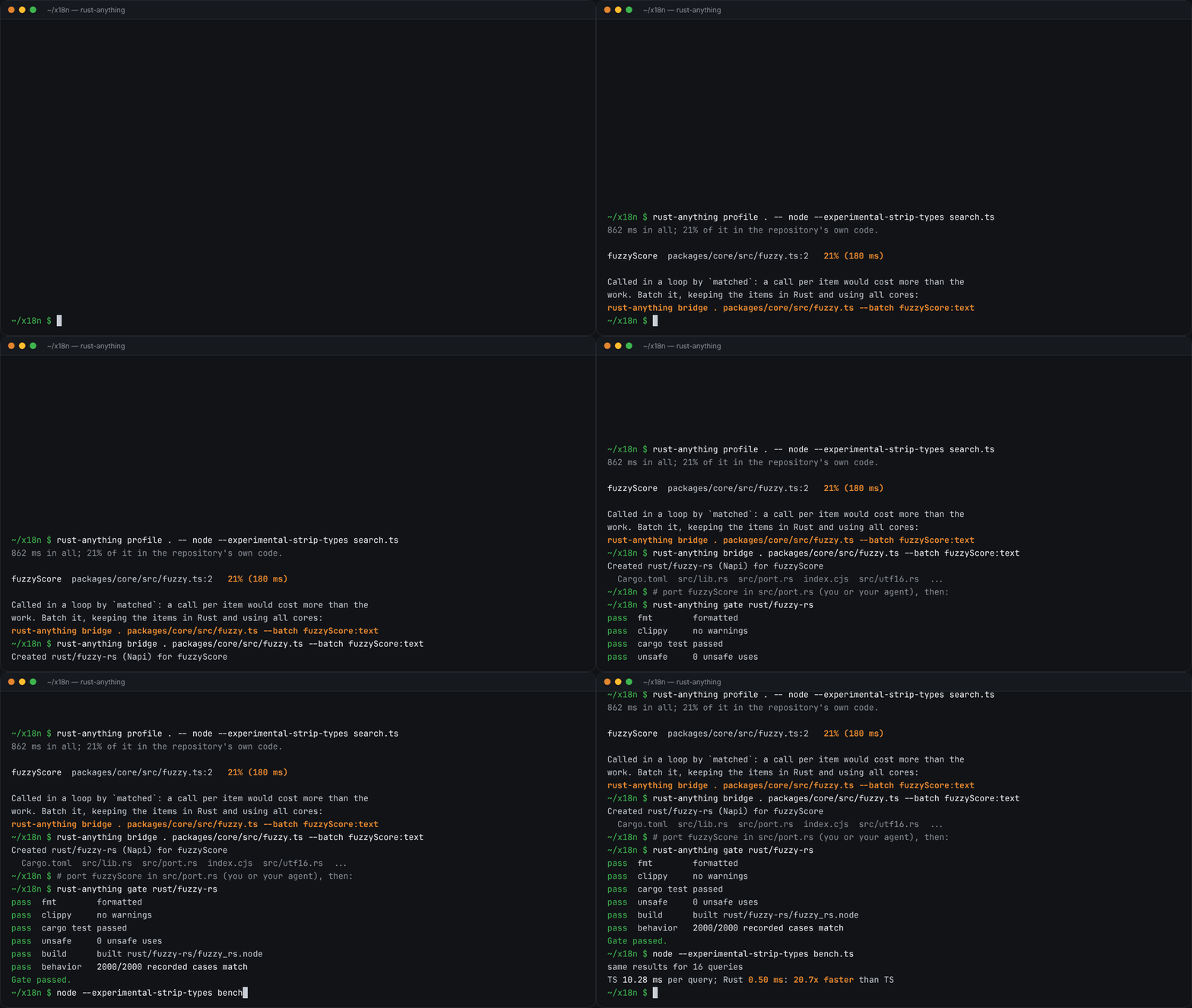
Image: rust-anything README.그림: rust-anything README.
sketchsketch
sketch, an MIT-licensed Claude Code plugin that answers with diagrams, roadmaps, wireframes and chart cards in the terminal instead of paragraphssketch, Claude Code의 답을 문단 대신 터미널 안 구조도와 로드맵, 화면 틀, 차트 카드로 그려 주는 MIT 플러그인
Checked확인일
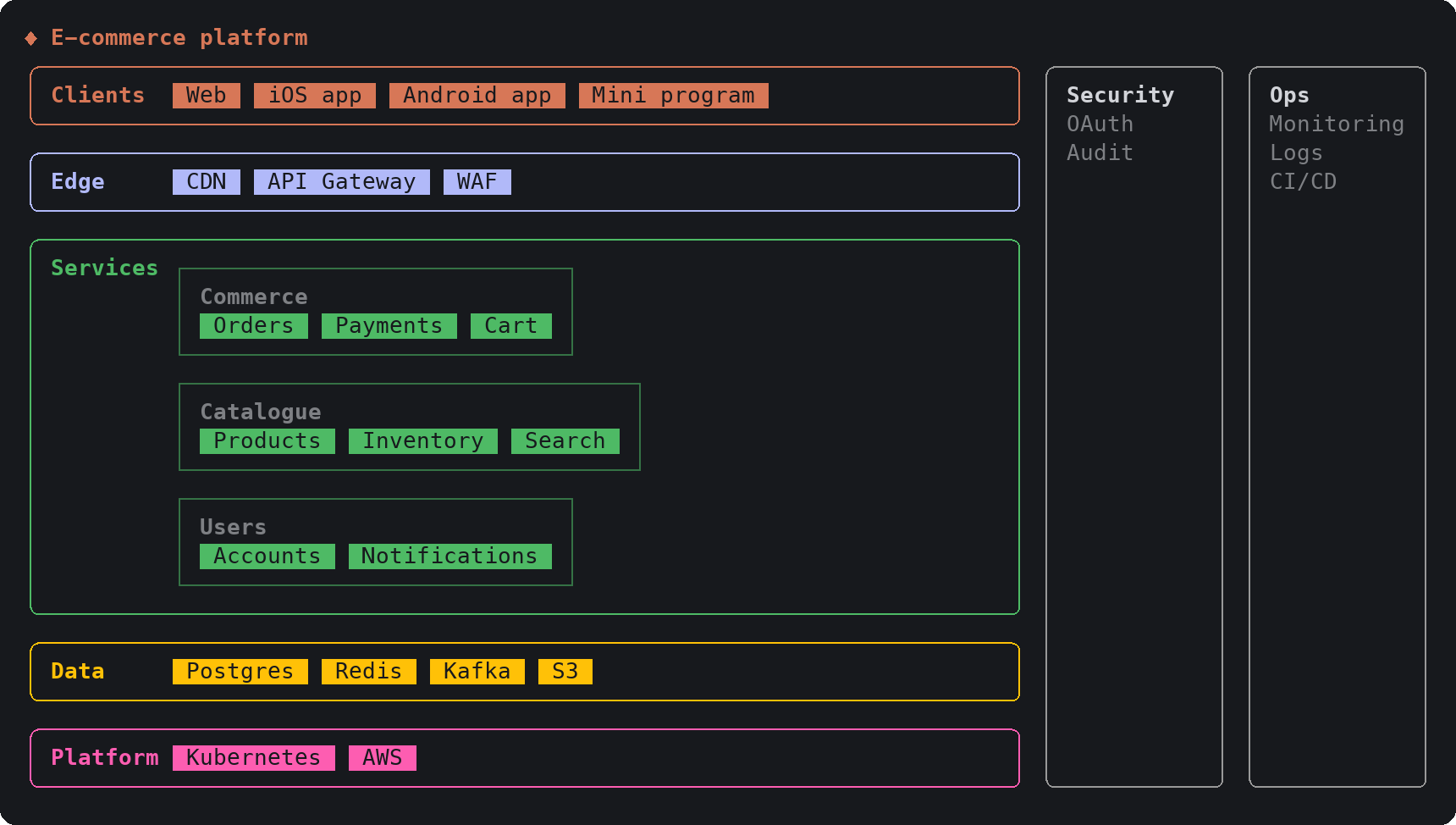
Image: sketch README.그림: sketch README.
SketchCraftSketchCraft
SketchCraft, a free MIT-licensed 3D modeler for houses, rooms and furniture that AI agents can also drive over MCP, limited to a workspace folderSketchCraft, 윤곽을 그려 끌어올리는 무료 MIT 3D 모델러, AI 에이전트도 작업 폴더 안에서 MCP로 같은 모델을 고친다
Checked확인일
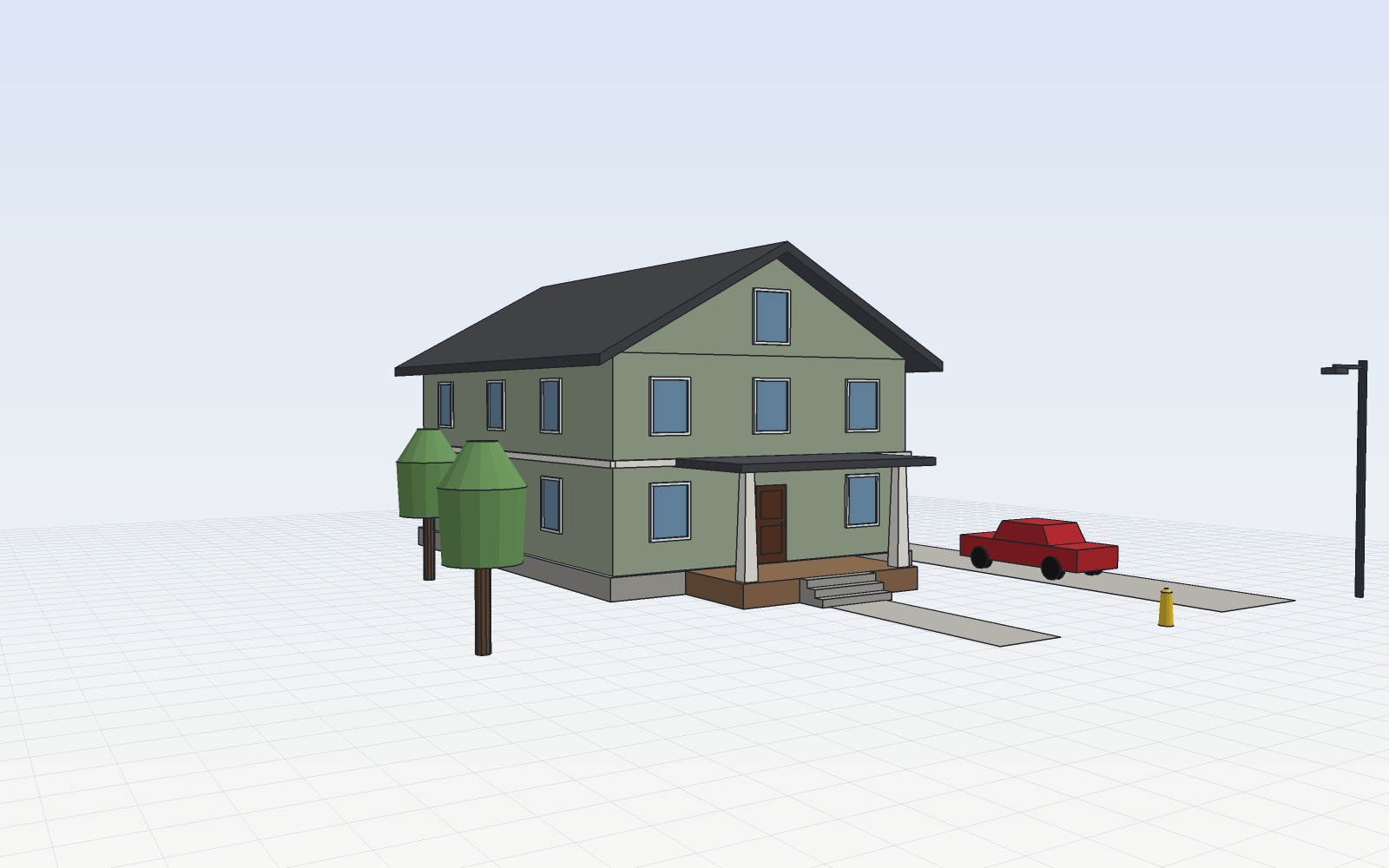
Image: SketchCraft README.그림: SketchCraft README.